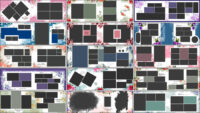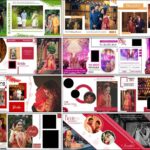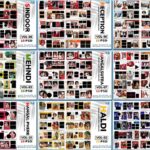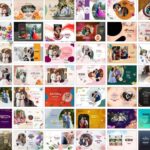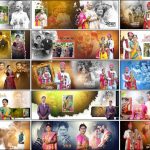
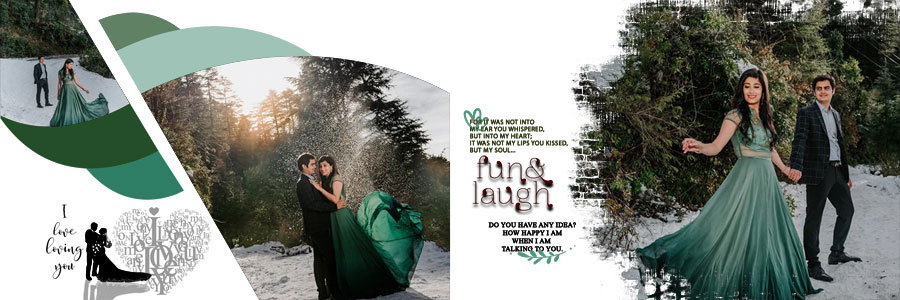
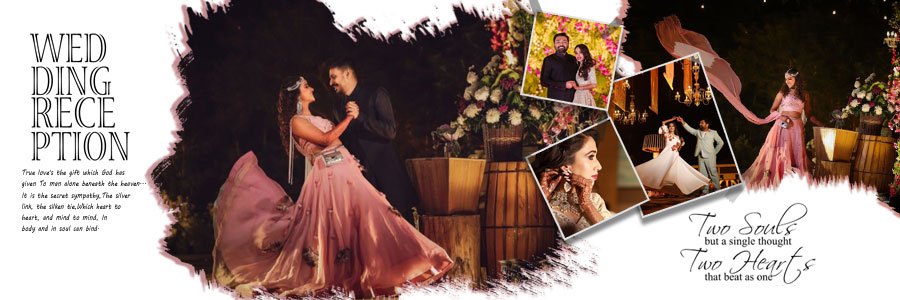
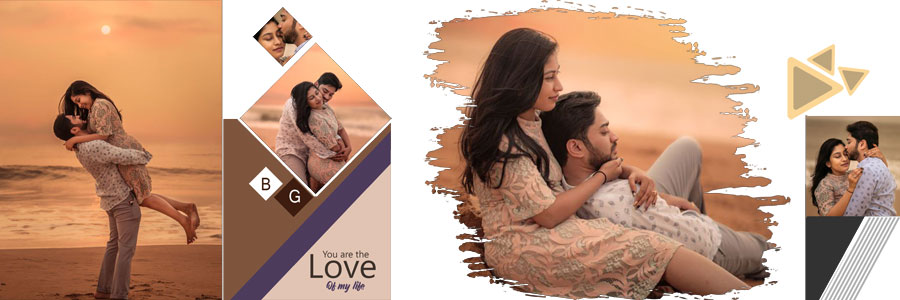
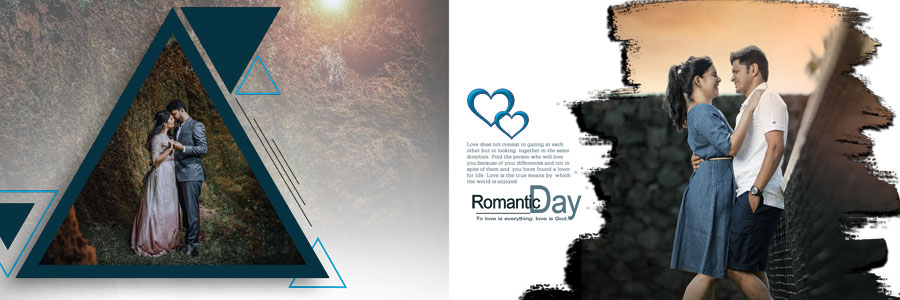
If you are looking for free pre-wedding photoshoot album PSD designs in 12×36 size, this collection offers 20 creative Photoshop templates for wedding photographers, album designers, and graphic designers. These pre-wedding album design PSD templates are suitable for romantic couple portraits, outdoor photoshoots, scenic photography, and memorable moments captured before the wedding. The collection includes creative photo collages, geometric frames, panoramic layouts, and different background styles to help you create attractive album pages without designing every layout from scratch. You can explore these free pre-wedding album PSD designs and discover more wedding album design PSD templates on StudioPK.
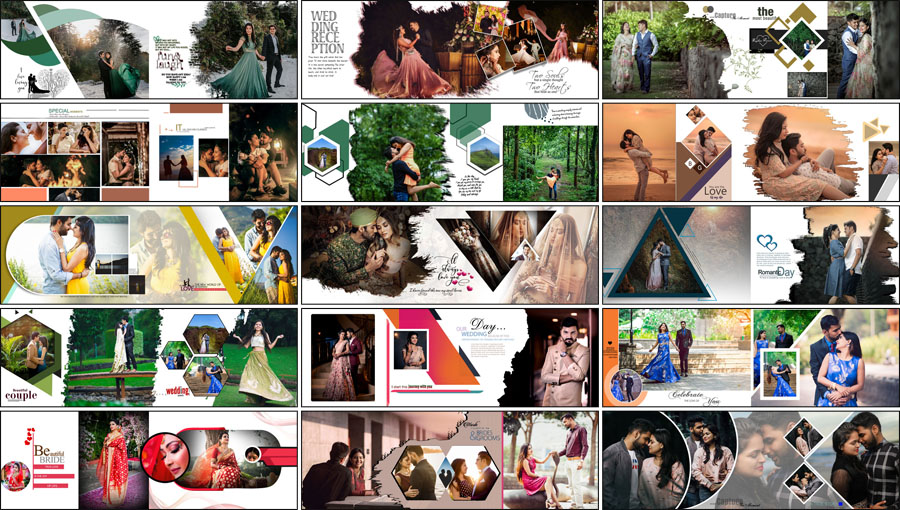
20 Free Pre-Wedding Photoshoot Album PSD Designs 12×36
A well-designed pre-wedding album brings together the couple’s portraits, poses, and favourite photographs in a visually appealing way. These 12×36 pre-wedding album PSD templates provide different layout options, allowing you to choose designs that match the theme and style of each photoshoot.
Whether you are creating a romantic couple album, an outdoor pre-wedding photo album, or a modern wedding photography project, these Photoshop PSD designs can help simplify the layout process. You can replace the sample photographs, adjust available text and colours, and customise supported design elements according to your requirements.
Pre-Wedding Album PSD Pack Details
- Total Designs: 20 pre-wedding photoshoot album PSD designs
- Album Size: 12×36 inches
- File Format: Adobe Photoshop PSD
- Design Style: Modern pre-wedding photography and couple portraits
- Layout Options: Photo collages, geometric frames, and panoramic compositions
- Customisation: Photographs, available text, colours, and supported design elements
- Download: Free pre-wedding album PSD templates
For more designs in the same album size, explore these 12×36 album PSD templates.
Creative Pre-Wedding Album Design PSD Templates for Couple Photography
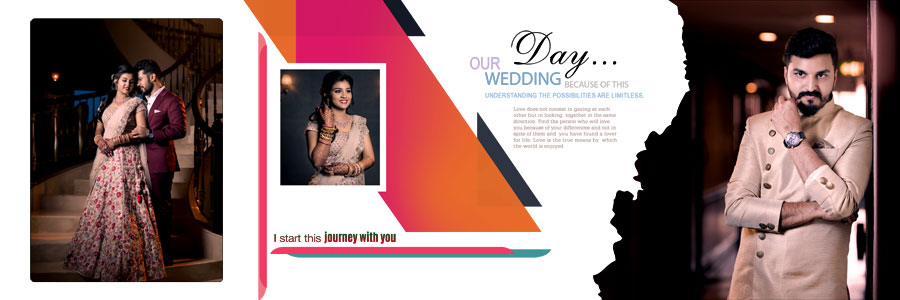
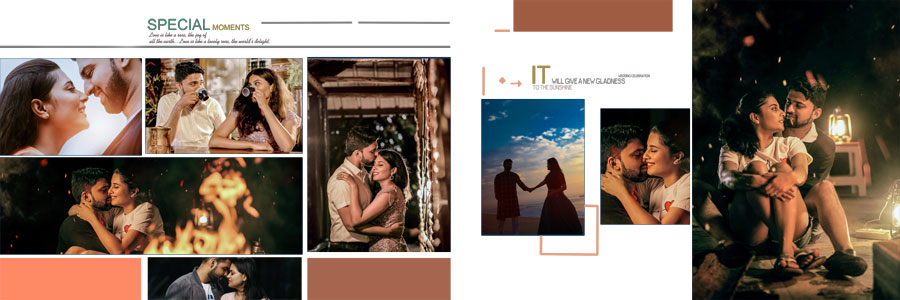
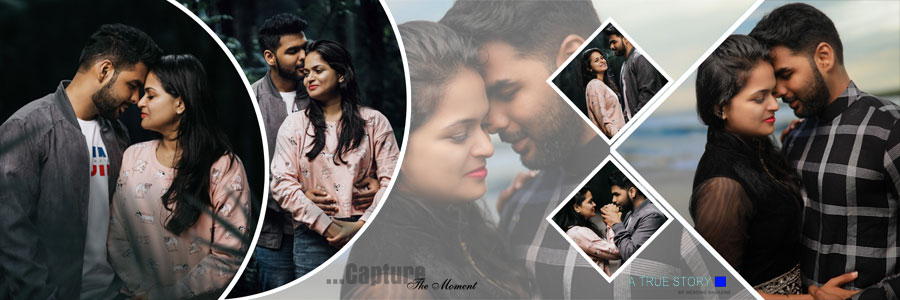
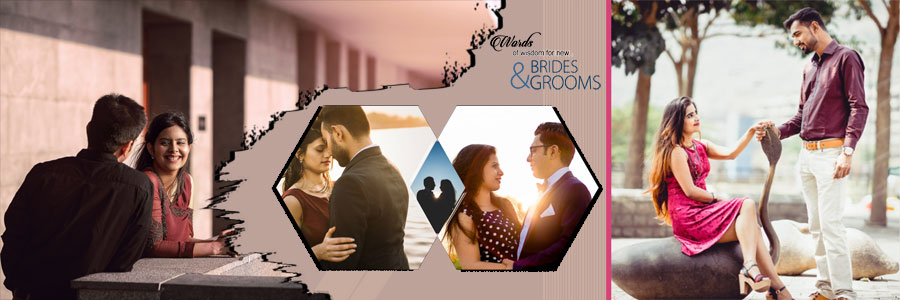
Choosing the right album layout helps present pre-wedding photographs in a consistent and attractive style. This collection includes different compositions for displaying individual portraits, multiple couple photographs, and scenic pictures from outdoor sessions.
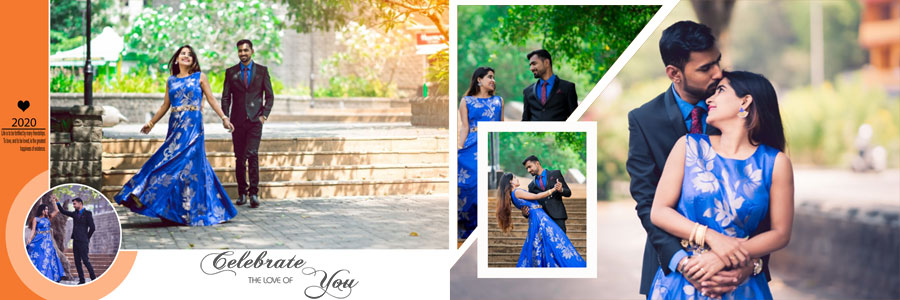
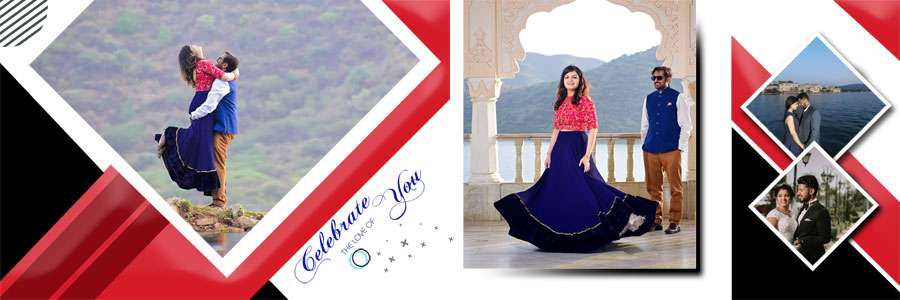
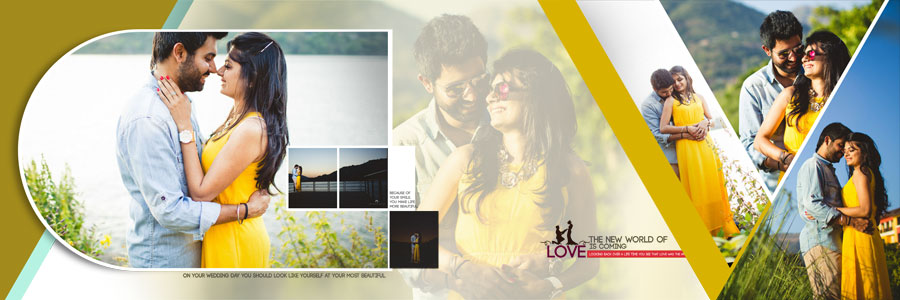
Some designs feature large photo areas that highlight the couple, while others use multiple frames to combine different poses on a single album spread. This variety makes the collection useful for photographers and designers who want to create a personalised pre-wedding photo album design in Photoshop.
The layouts also include a range of colour schemes, such as green, blue, cream, brown, and maroon. You can select a design according to the photographs, outfits, location, and overall mood of the photoshoot.
Best Pre-Wedding Album Layouts for Different Photography Styles
Every pre-wedding photoshoot has its own visual character. Selecting a suitable PSD layout helps maintain the focus on the couple while presenting the photographs in a natural sequence.
Outdoor and Scenic Pre-Wedding Photos
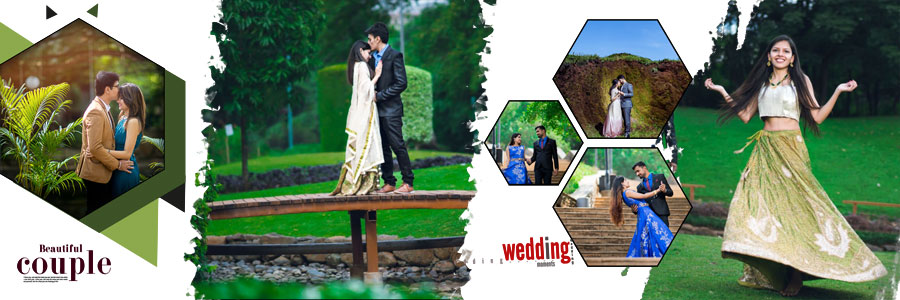
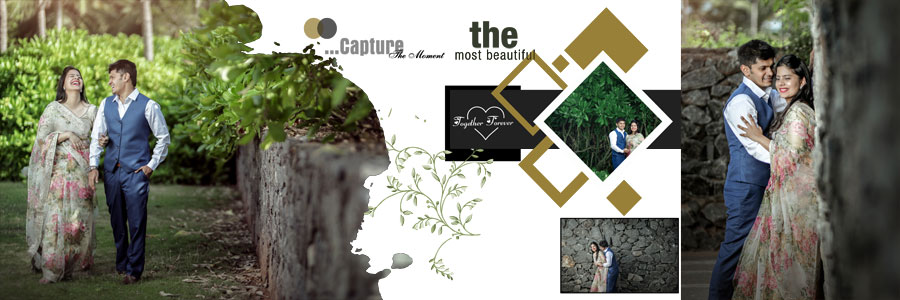
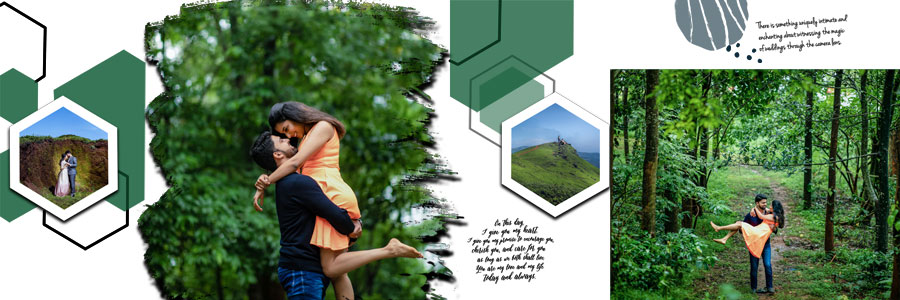
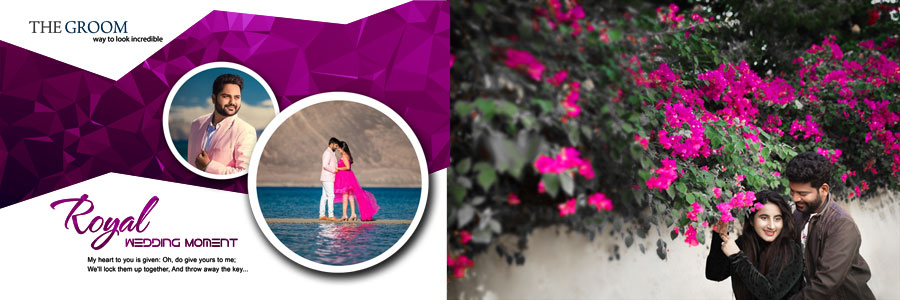
Outdoor photoshoots often include gardens, beaches, open landscapes, sunsets, and other scenic locations. Panoramic compositions and wider photo frames can help showcase the surroundings while keeping the couple as the main subject.
When customising a pre-wedding album PSD, position the photograph carefully so the crop does not remove important details or awkwardly cut off the couple.
Romantic Couple Portraits and Close-Up Photography
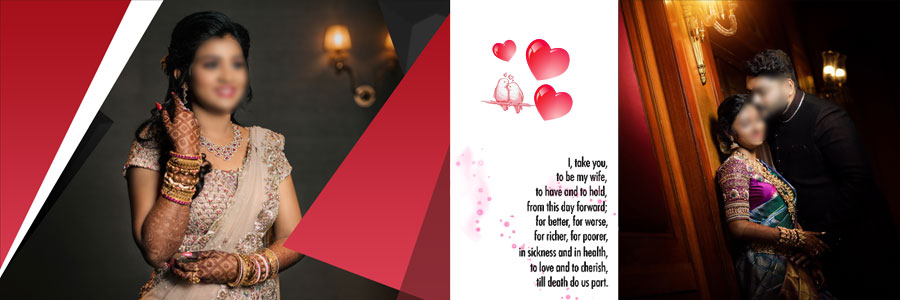
Close-up portraits focus on expressions, poses, and the connection between the couple. These photographs often work well in larger frames with simple backgrounds and minimal decoration.
For a clean and elegant appearance, choose a layout that gives the main portrait enough space and avoids unnecessary decorative elements around the faces.
Geometric Frames and Creative Photo Collages
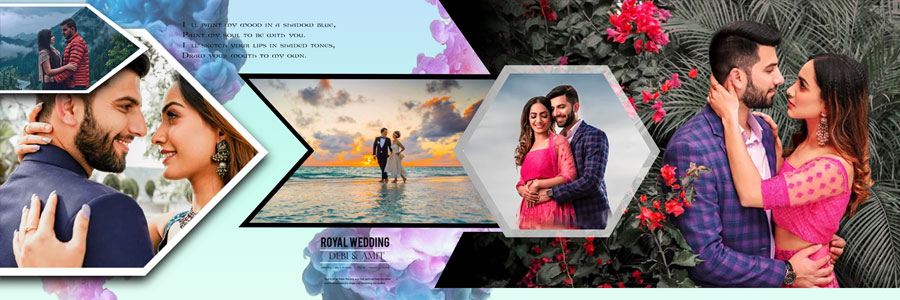
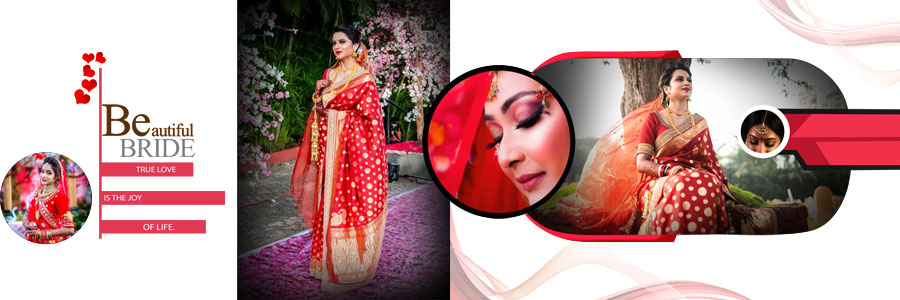
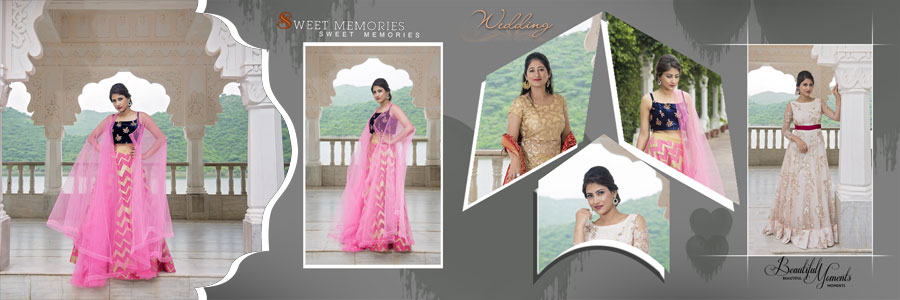
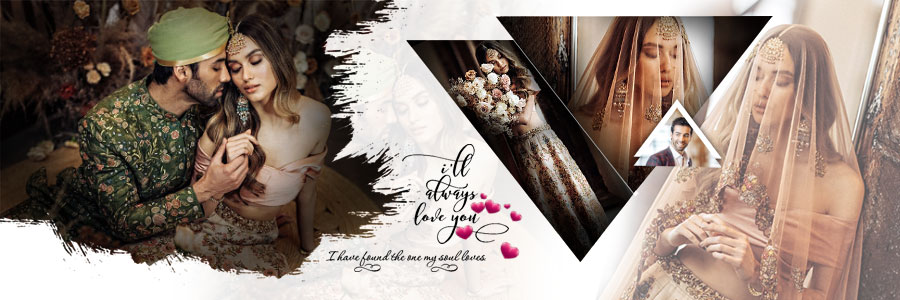
Geometric frames, diamond-shaped photo areas, circular compositions, and diagonal panels can add variety to a pre-wedding album design.
Creative photo collages are especially useful when you want to display several pictures from the same photoshoot. You can use one main portrait as the focal point and arrange smaller supporting photographs around it to show different poses and moments.
Light and Dark Background Pre-Wedding Album Designs
Background colours can influence the overall appearance of an album spread. White and cream backgrounds create a clean, light look, while darker backgrounds may provide stronger contrast with bright outfits and lighter photographs.
Green, blue, brown, and maroon designs offer additional options for matching the colour scheme of a photoshoot. Choose backgrounds that complement the photographs without distracting viewers from the couple.
How to Create a Balanced 12×36 Pre-Wedding Album Design
The 12×36 album format provides a wide canvas for arranging photographs across a double-page spread. Before customising your selected PSD template, plan the placement of the main portrait and supporting images.
- Select the main photograph: Choose the most important couple portrait and give it sufficient space in the layout.
- Group related photographs: Arrange pictures from the same location, outfit, or photoshoot together to create a natural flow.
- Combine different photo sizes: Mix large portraits with smaller supporting images to make the album spread visually interesting.
- Check face positioning: Make sure faces and important details remain visible inside circular, diamond-shaped, and diagonal frames.
- Consider the centre fold: Keep faces and other important details away from the album binding area.
- Maintain visual balance: Distribute photographs and decorative elements without making one side of the spread look unnecessarily crowded.
- Avoid excessive decoration: Keep the focus on the couple rather than filling every available space with design elements.
- Match the layout to the photos: Choose a composition that complements the actual photographs instead of forcing every image into the same style.
Following these tips can help you create a more organised and visually balanced pre-wedding photo album.
How to Customize Pre-Wedding Album PSD Templates in Photoshop
These pre-wedding album PSD templates can be customised in Adobe Photoshop according to the layers and editable elements included in each file. Follow these steps to prepare your selected 12×36 album design for your own photographs.
- Step 1: Download the PSD template. Download your preferred pre-wedding photoshoot album design and locate the PSD file on your computer.
- Step 2: Open the file in Photoshop. Open Adobe Photoshop and load the selected 12×36 album PSD template.
- Step 3: Review the Layers panel. Identify the photo areas, background layers, text, frames, and decorative elements available in the document.
- Step 4: Replace the sample photographs. Insert your own couple portraits, outdoor photos, and scenic images into the appropriate areas of the design.
- Step 5: Adjust photo positioning. Resize and position each photograph carefully so the couple’s faces, outfits, and important details remain visible.
- Step 6: Edit available text. Replace sample names or other text wherever editable text layers are provided.
- Step 7: Customise colours and backgrounds. Adjust supported background colours and design elements to complement the photographs and overall album theme.
- Step 8: Arrange the layers. Keep related elements organised in the Layers panel so the document is easier to edit in the future.
- Step 9: Save the editable PSD file. Save a working copy in PSD format so you can continue making changes later.
- Step 10: Review the complete album spread. Check image cropping, alignment, spacing, text placement, and overall composition before exporting the final design.
Printing tip: Before preparing the final album pages, check your printing lab’s requirements for document dimensions, colour settings, resolution, bleed, and file format. Also review the centre fold to make sure important parts of the photographs are not lost during binding.
More Free Pre-Wedding and Wedding Album Design PSD Templates
Looking for more pre-wedding album design PSD templates or creative wedding photography layouts? Explore these related collections on StudioPK to find additional designs for couple portraits, wedding photographs, and album projects.
- 20 Latest 12×36 Pre-Wedding Album PSD Designs
- 20 Free Creative Wedding Album Design PSD Templates 12×36
- New 2020 Modern Pre-Wedding Photo Album PSD Designs
- 20 Free Wedding Couple Portrait Album PSD Templates 12×36
- 25 Free Indian Wedding DM Album Design PSD Templates
For a coordinated outer design, explore these wedding album cover PSD designs to find cover styles that complement your album’s inside pages.
Frequently Asked Questions
Q: How many pre-wedding album PSD designs are included?
A: This collection includes 20 free pre-wedding photoshoot album PSD designs in 12×36 format.
Q: What photographs can I use with these pre-wedding album templates?
A: These layouts are suitable for romantic couple portraits, outdoor pre-wedding photoshoots, scenic photographs, and other pictures captured before the wedding.
Q: Can I customise these 12x36 pre-wedding album PSD templates?
A: Yes. You can replace photographs and edit available text, colours, and supported design elements using the layers provided in the PSD files.
Q: Are these pre-wedding photoshoot album PSD designs free to download?
A: Yes. The collection is offered as a free download.
Conclusion
These 20 Free Pre-Wedding Photoshoot Album PSD Designs 12×36 provide a range of creative layouts for displaying romantic couple portraits, outdoor photoshoots, and memorable moments captured before the wedding. With geometric frames, photo collages, panoramic compositions, and different background styles, the collection offers useful options for wedding photographers and album designers.
Download your preferred pre-wedding album design PSD template, customise it in Photoshop with your own photographs, and create a personalised album spread that suits the style of your photoshoot. Explore more wedding album design PSD templates on StudioPK to find additional layouts for your photography projects.