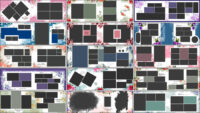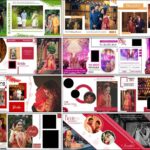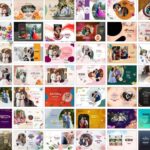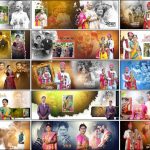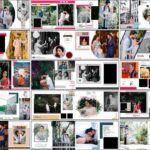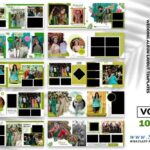
Looking for a Creative Wedding Album PSD 12×36 pack with collage layouts you can edit right away? This free collection gives you 20 ready-made spreads for pre-wedding, couple, and wedding photography. The layouts mix circular and triangular frames, overlapping photographs, cut-out shapes, colourful backgrounds, and stylish text elements, so you can present several pictures from one shoot without making every page look the same. Every design is a fully editable Photoshop PSD, so you can replace the photographs, change the available text and colours, and adjust the layout to match each project. For more options, browse the full wedding album design PSD collection or the free PSD designs section.
Creative Wedding Album PSD 12×36: Pack Details
- Total designs: 20 creative collage album templates
- Album size: 12×36 inches (wide spread)
- Layers: Fully editable PSD layers
- Resolution: 200 DPI (about 2400 x 7200 pixels at full size)
- Compatibility: Adobe Photoshop CS3 to CC 2026
- File format: Adobe Photoshop PSD, shared as .rar files
- Design style: Creative collage layouts for pre-wedding, couple and wedding photos
- You can edit: photographs, available text, colours, and design elements
- Price: Free download
Who Are These Collage Album Templates For?
These templates are made for wedding photographers, album designers and studios that deliver pre-wedding and couple albums regularly. They work best when a shoot has many good photographs from different locations, and you want to show them together on one spread, for example, beach, outdoor, scenic, and studio-style portraits. If you want a simpler portrait-focused style, take a look at our pre wedding couple album DM design PSD 12×36 pack.
What Is Inside This 12×36 Collage Pack?
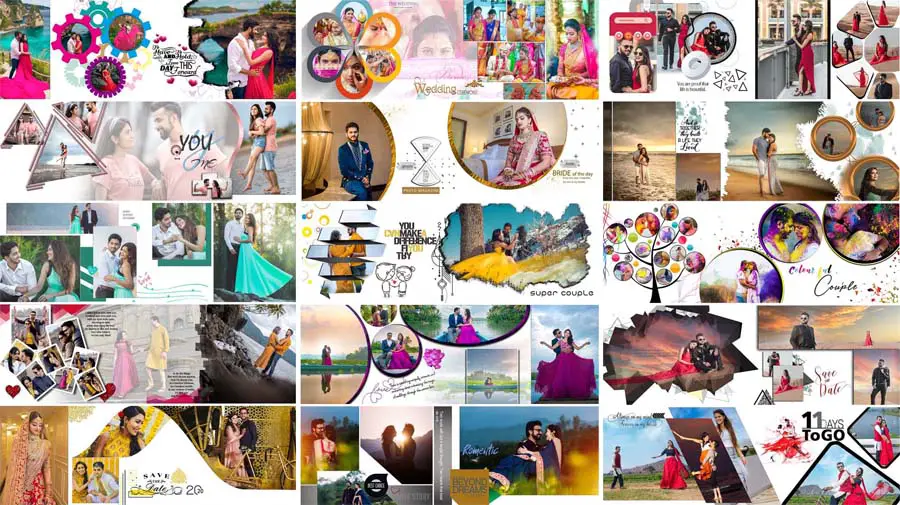
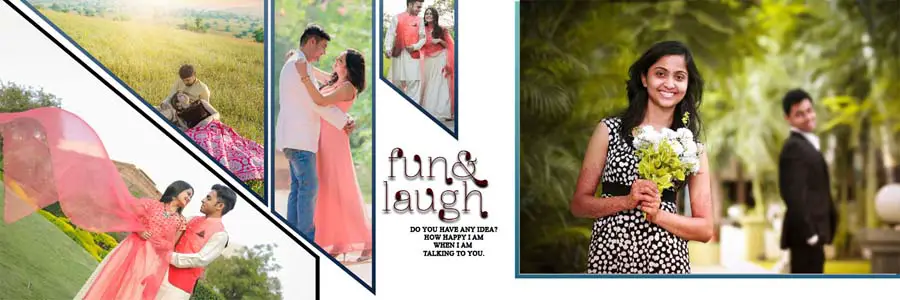
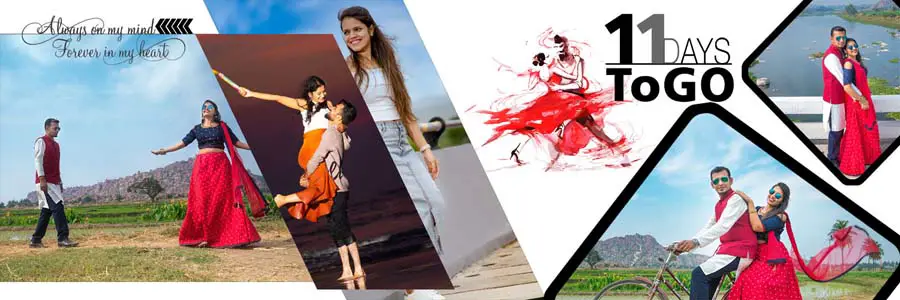
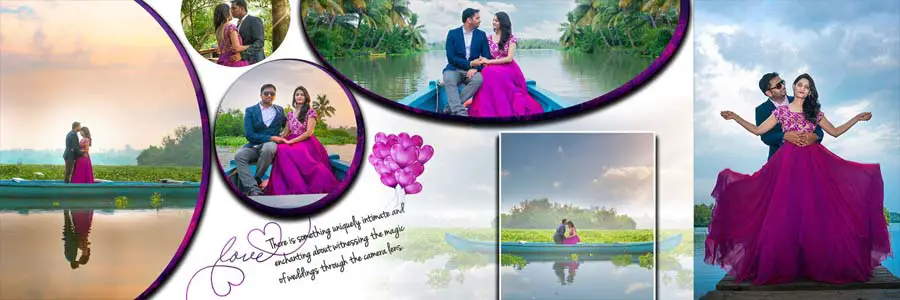
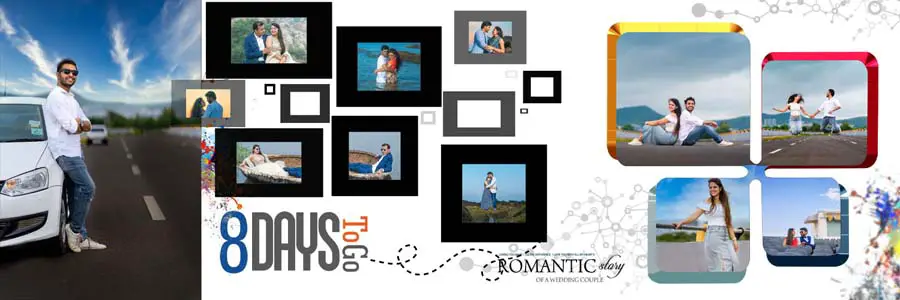
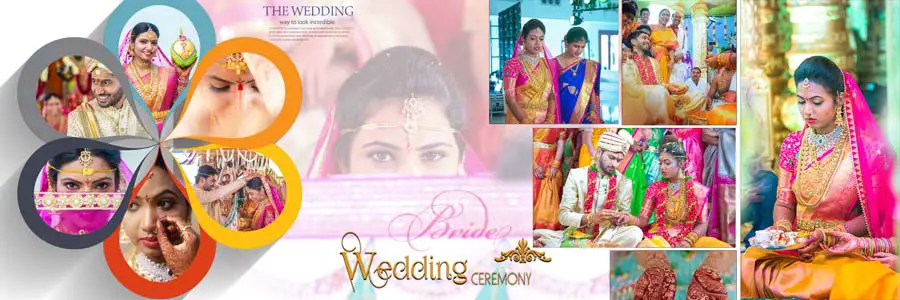
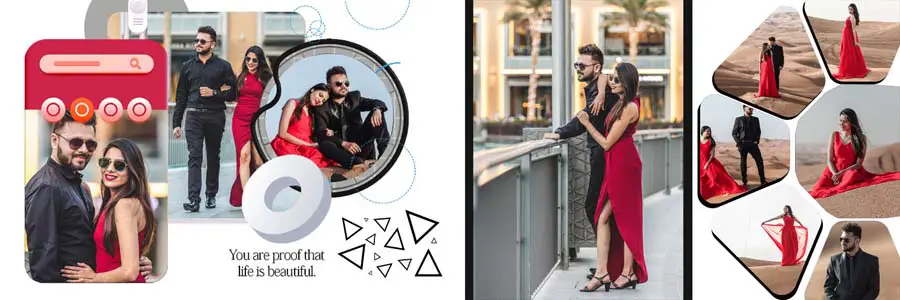
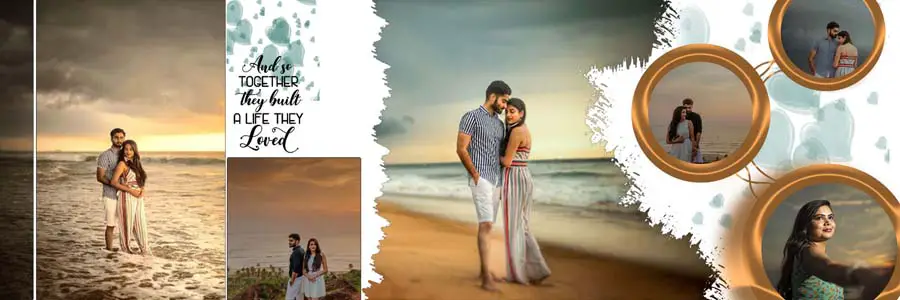
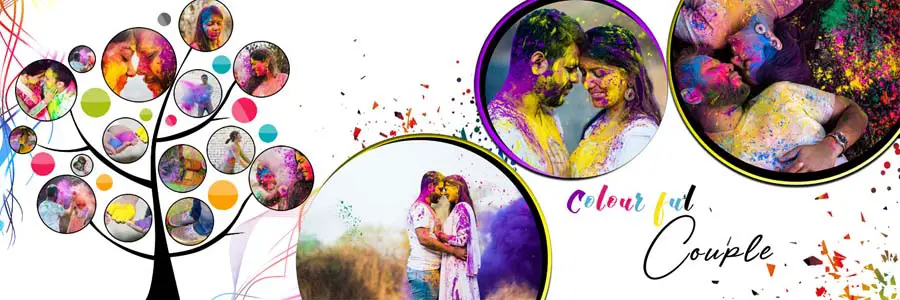
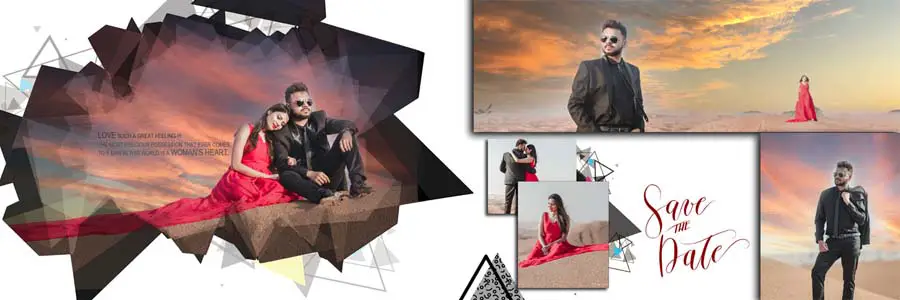
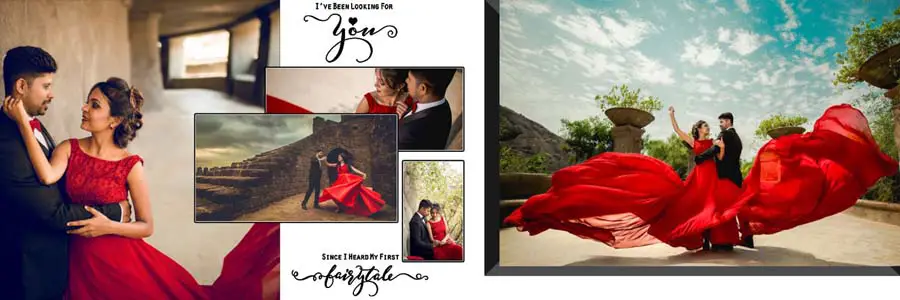
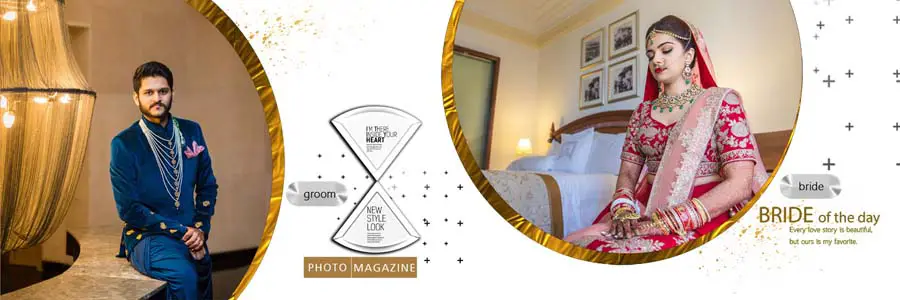
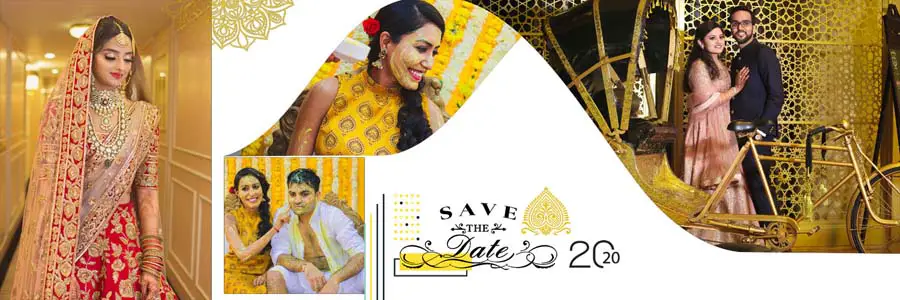
Every wedding shoot has its own look, so this collection offers different layout styles instead of one repeated arrangement. A few of the styles you will find in the previews:
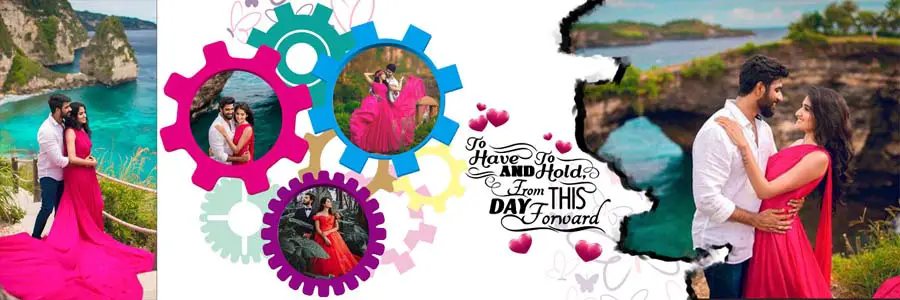
- Circular and triangular photo frames that replace ordinary rectangular boxes.
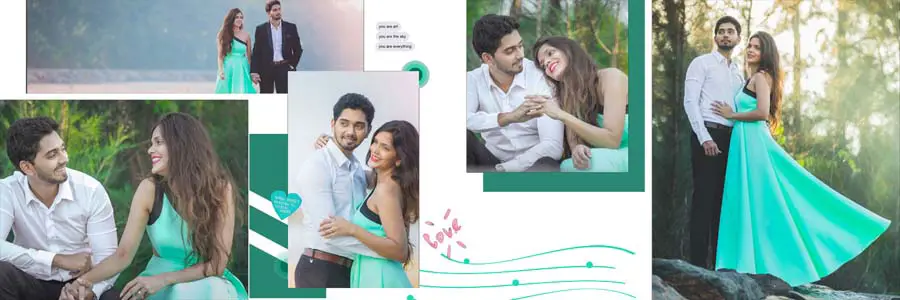
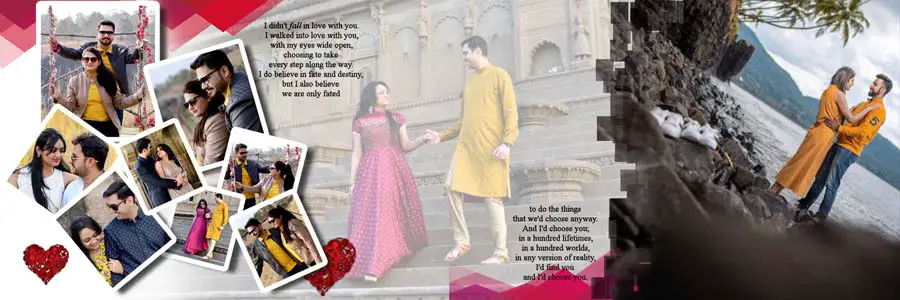
- Overlapping photo collages for showing several poses from the same session.
- Large scenic portraits with smaller supporting pictures placed around them.
- Colourful and decorative backgrounds for a more playful pre-wedding look.
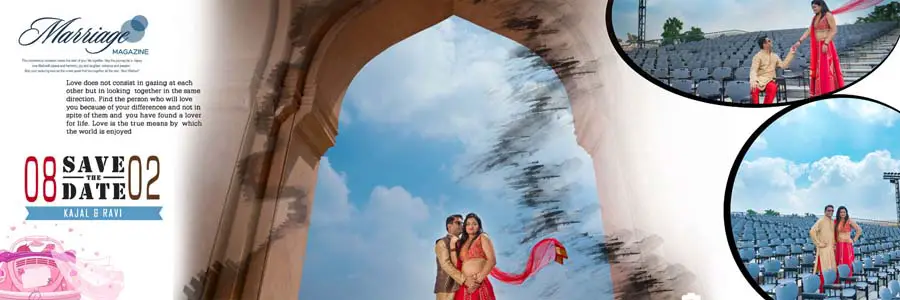
- Text elements such as short quotes and “Save the Date” style lines that you can change.
The preview images in this post show the different compositions and colour combinations, so you can choose the layout that suits your photographs before you start editing. For more page styles in the same size, see the 12×36 album PSD collection.
Download Free Creative Wedding Album PSD 12×36 Templates (20 Designs)
Below, you can scroll through the previews of all 20 PSD designs. Under each preview, there is a download button for that design, so you can click the button and download your favourite PSD template for free.




How to Choose the Right Collage Layout
A collage works best when the photographs and the design elements support each other. A page can hold many pictures and decorative details, but it still needs one clear focal point.
Geometric Frames and Artistic Photo Placement
Circular and triangular frames are a good alternative to ordinary rectangular picture boxes. They help highlight individual portraits and add variety to a collage. Diagonal arrangements and overlapping images also create a different visual flow across the spread. When you edit, make sure faces, expressions, and outfits are not hidden behind decorative shapes or awkward cropping.
Outdoor and Beach Couple Photography
Outdoor and beach photographs usually have wide, open backgrounds. Choose a layout with a large photo area for scenic portraits so the location is not covered, and use collage layouts when several pictures from the same shoot need to appear together.
Colour Combinations and Decorative Backgrounds
The collection includes bright, colourful designs as well as simpler layouts with lighter backgrounds. The background should support the photographs rather than compete with them. A busy photo collage usually works better with simple surroundings, while a portrait-focused page can carry more decoration when there is enough clear space.
How to Build a Better 12×36 Album Spread
A 12×36 spread gives you a wide canvas, but filling all of it with photographs can make the page look crowded. Choose the main photograph first and arrange the other images around it.
- Select a main photograph: pick the strongest couple portrait to be the focus of the spread.
- Add supporting pictures: use smaller photographs for different poses, locations or moments.
- Keep the spread balanced: do not place all the large photographs on one side while the other side is too busy or too empty.
- Keep important details visible: check faces, clothing and expressions before finalising the crops.
- Watch the centre fold: keep faces away from the middle of the 36-inch width, where the album binds or folds.
- Stay consistent: different spreads can use different layouts, but the whole album should still feel connected.
How to Edit These PSD Templates in Photoshop
All templates have fully editable PSD layers and work with Adobe Photoshop CS3 to CC 2026. After downloading, you can easily customize any design in Photoshop. Open the file and look at the Layers panel before changing anything, because the exact structure can vary from design to design.
- Extract the downloaded .rar file and open the PSD in Adobe Photoshop.
- Check the Layers panel to find photo frames, backgrounds, text layers, and decorative elements.
- Place your photograph above the frame layer and create a clipping mask (Alt/Option + click between the two layers). If the frame is a smart object, double-click its thumbnail instead, paste your photo, then save and close.
- Resize and reposition the photo so faces and key details stay inside the frame.
- Edit the text layers and adjust colours or backgrounds on the elements you want to change.
- Keep the layers separate until the design is final, and save an editable PSD copy before exporting.
- Review cropping, alignment, spacing and image quality at 100% zoom before exporting.
The files are 200 DPI, so use replacement photographs of a similar or higher resolution for a sharp print. For printed albums, also check the final file against your printing lab’s requirements for dimensions, bleed, colour profile and file format.
More Free Wedding Album Design PSD Collections
A complete album may include couple portraits, traditional wedding photographs, bridal pictures and other special moments. Using a different layout style for each section keeps the pages interesting. These collections give you more options:
- Pre-wedding couple album DM design PSD 12×36 for portrait-focused couple spreads.
- Modern pre-wedding album design PSD templates for couple photoshoots.
- 25 Free Indian Wedding DM Album Design PSD Templates for traditional wedding layouts.
- 12×36 album PSD free download for more page styles.
- Wedding couple portrait album PSD templates for more couple album ideas.
To match the inside pages with the outside, explore the wedding album cover design collection. If you need a larger or more exclusive set, check the premium collection, for example, 25 Floral Wedding Album Design 12×36 PSD Templates.
Frequently Asked Questions
How many designs are included in this collection?
This collection includes 20 free creative wedding album PSD templates in 12×36 size with collage layouts.
Are the PSD files fully editable?
Yes. The templates have fully editable PSD layers, so you can replace photographs and change the available text, colours, and design elements in Adobe Photoshop.
What is the size and resolution of these templates?
The designs are 12×36 inches at 200 DPI.
Which Photoshop version do I need?
The templates are compatible with Adobe Photoshop CS3 to CC 2026.
What kind of photographs suit these layouts?
They suit pre-wedding couple shoots, outdoor and beach photographs, bride and groom portraits, and other wedding moments, especially when several pictures need to share one spread.
Are these 12x36 wedding album templates really free?
Yes, all 20 templates in this pack are free to download.
Conclusion
This Creative Wedding Album PSD 12×36 pack gives photographers and album designers 20 free collage layouts for presenting wedding and pre-wedding photographs more interestingly. Circular and triangular frames, overlapping photos, colourful backgrounds, and editable text help you show many pictures on one spread without losing the main portrait. With fully editable PSD layers, you can adapt each design to your client’s photographs and save layout time on your next album.