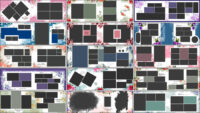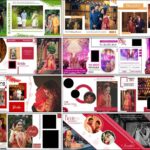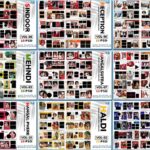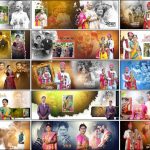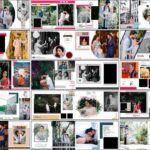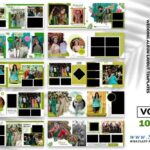
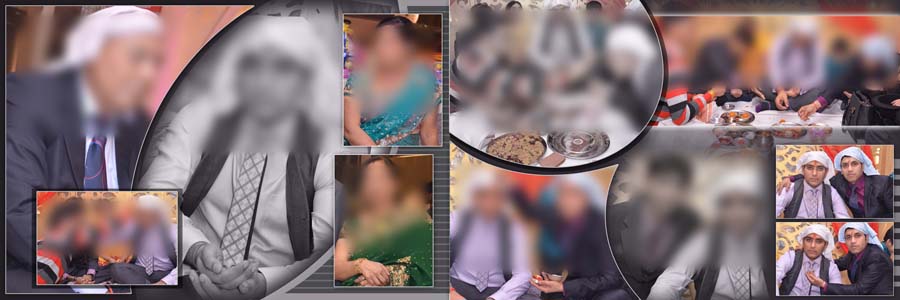
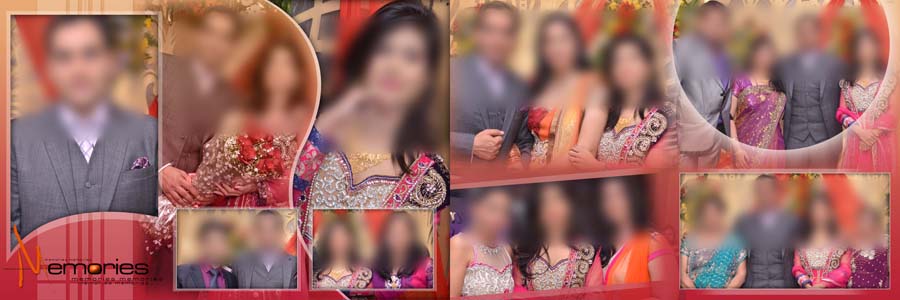
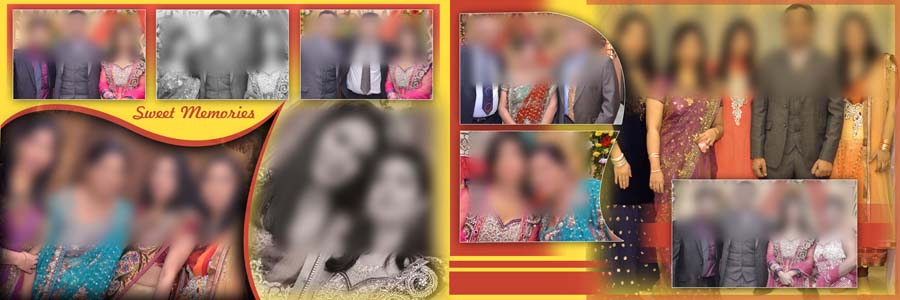
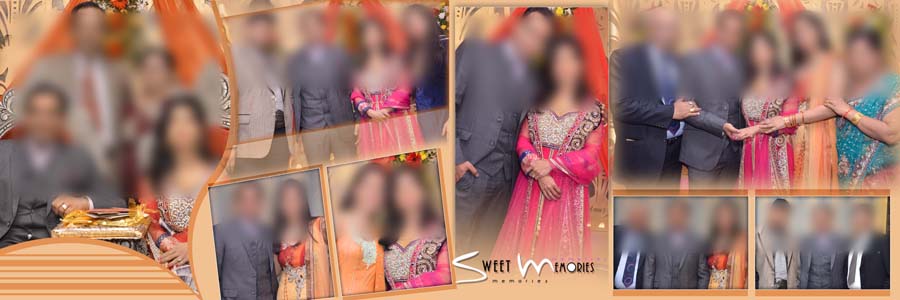
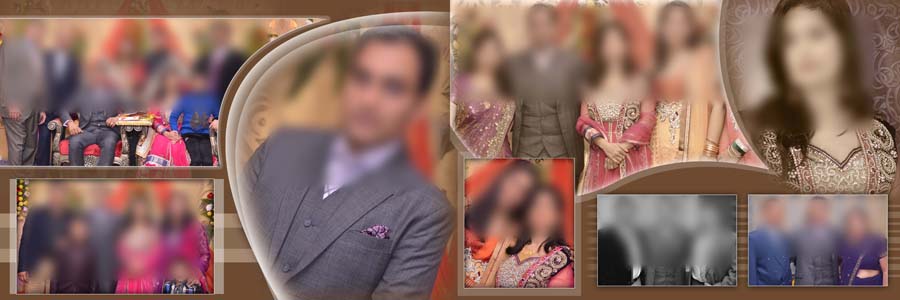
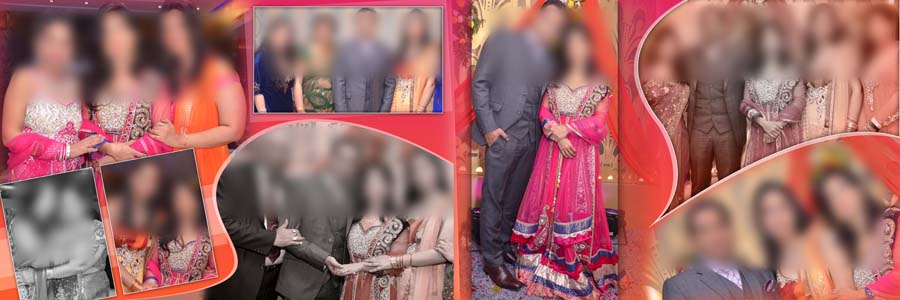
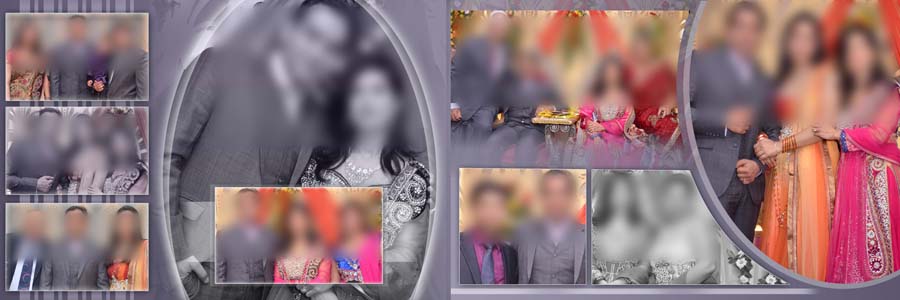
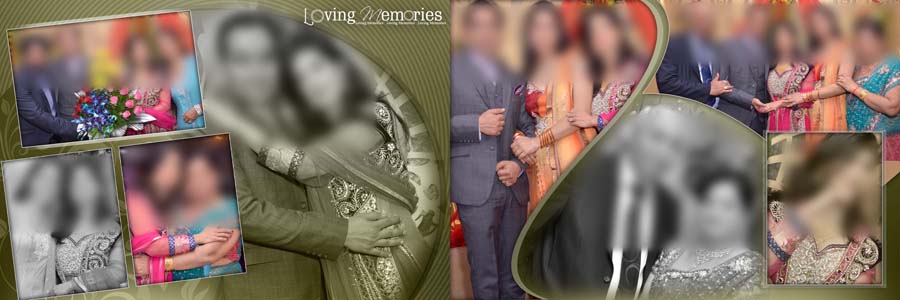
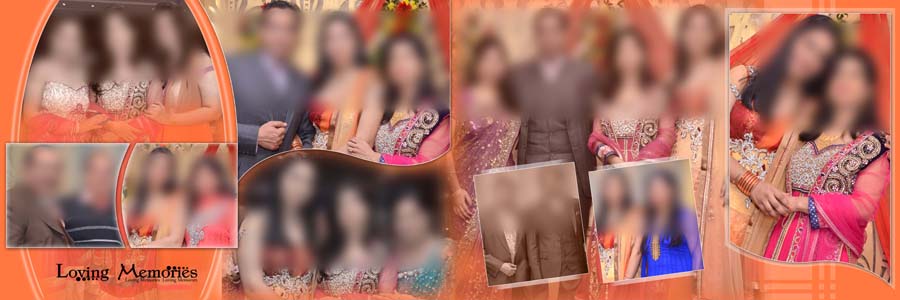
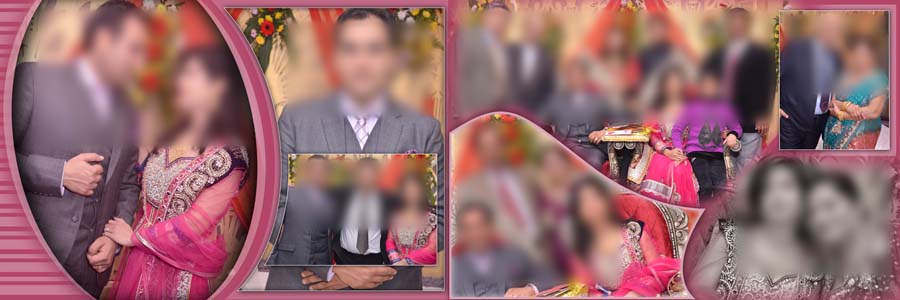
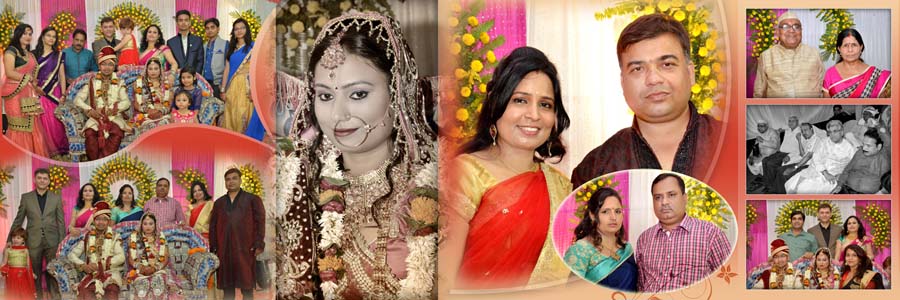
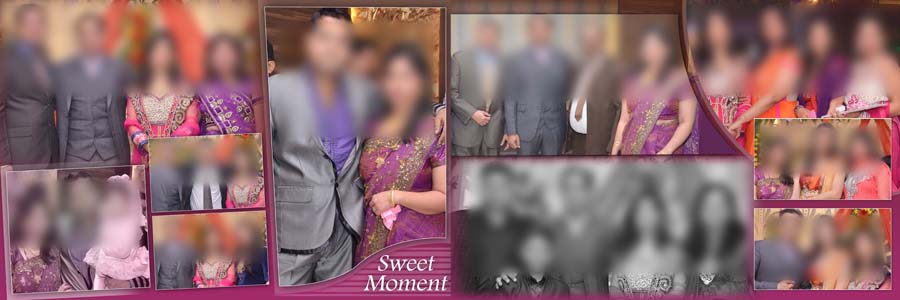
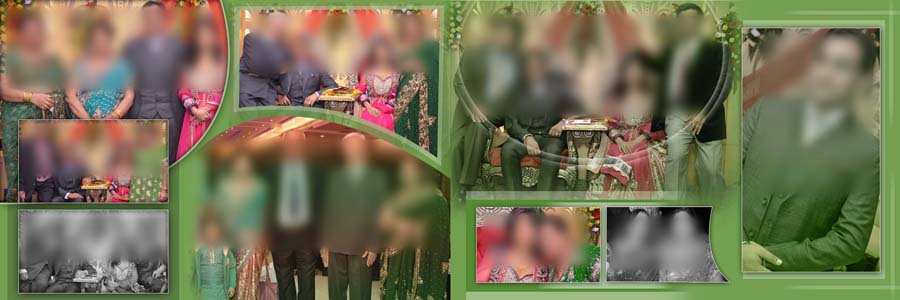
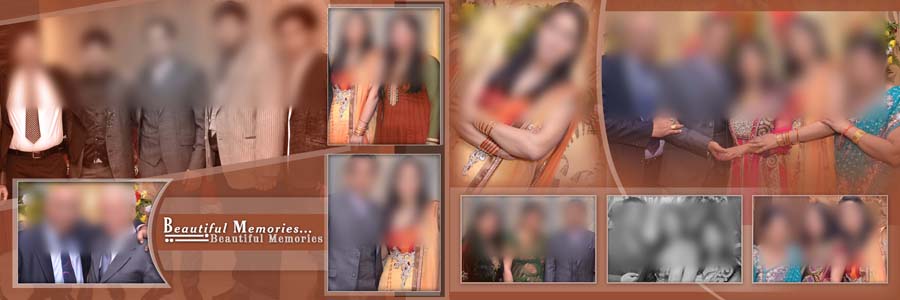
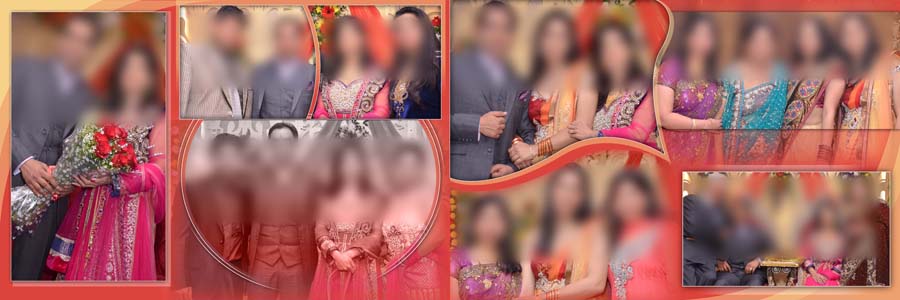
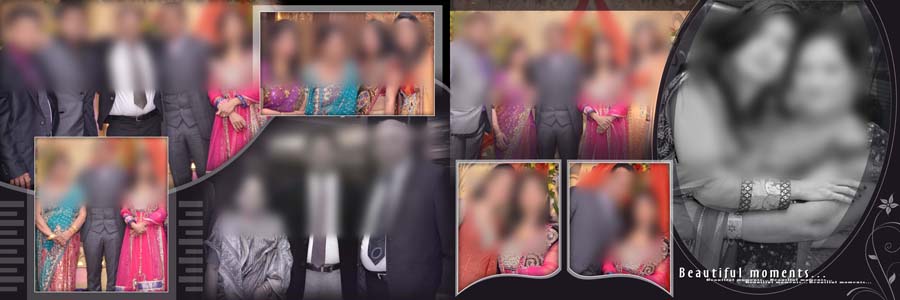
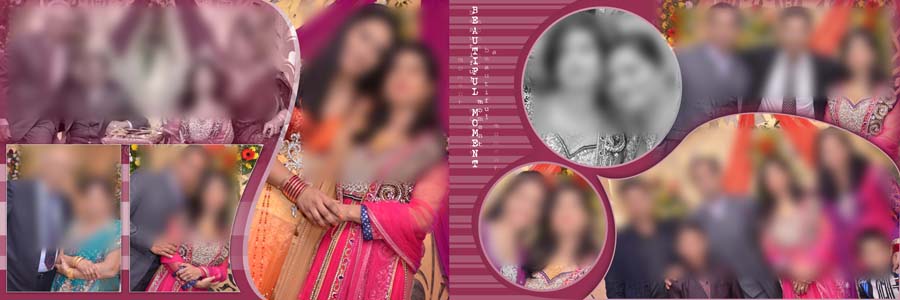
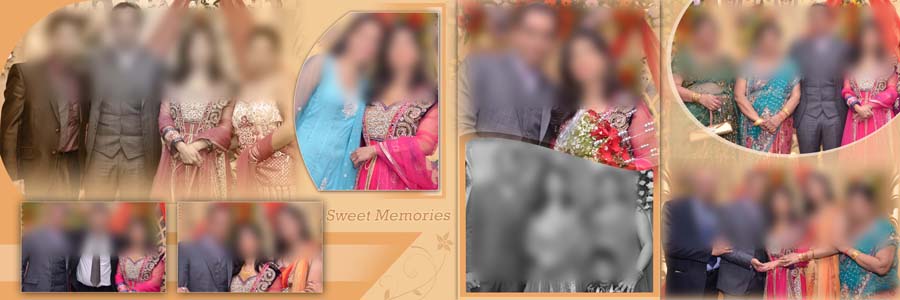
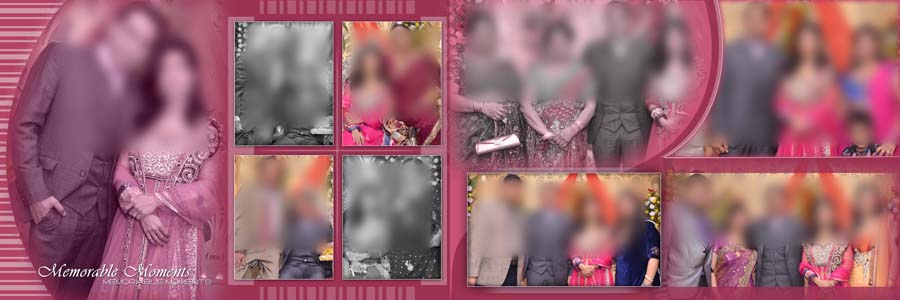
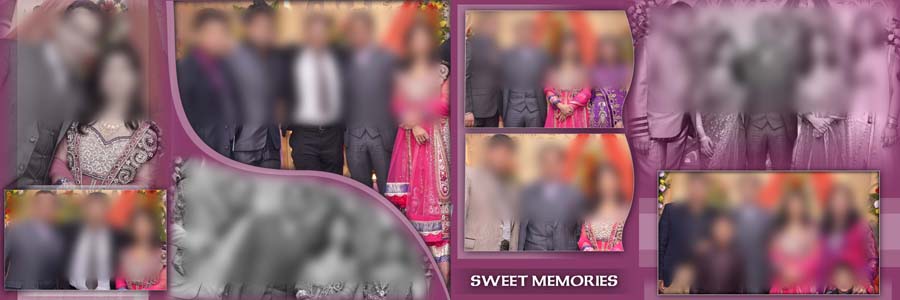
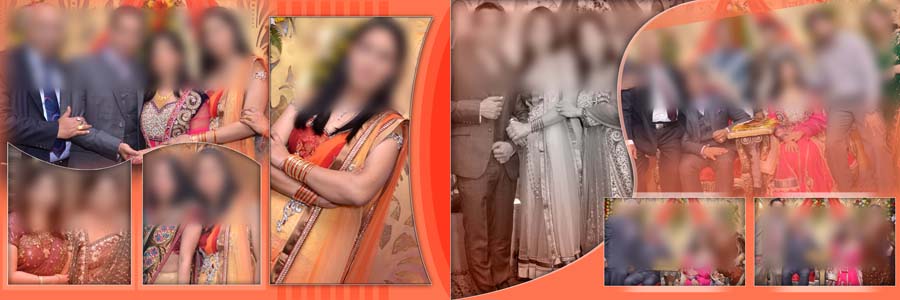
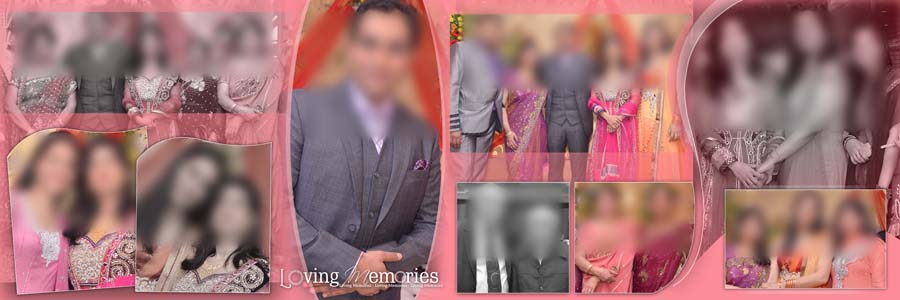
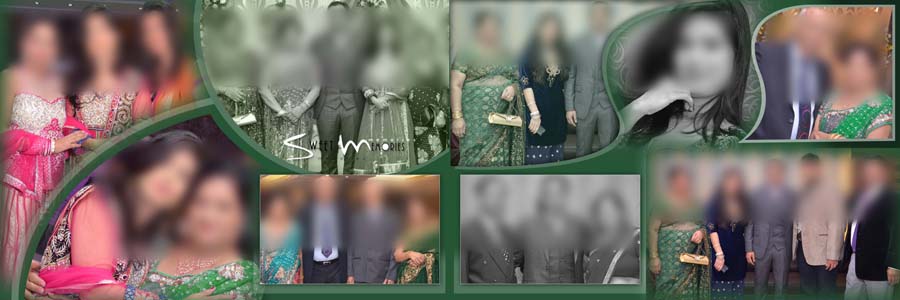
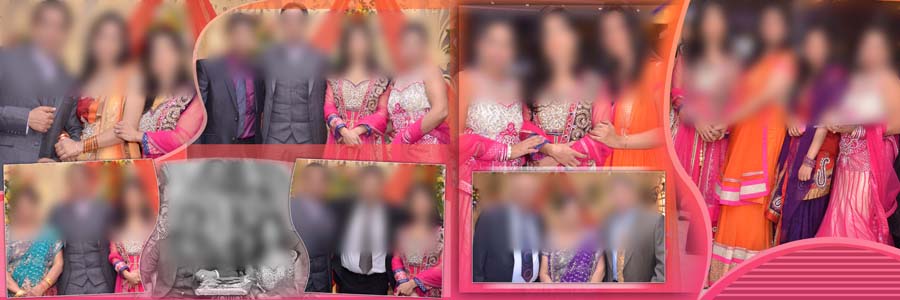
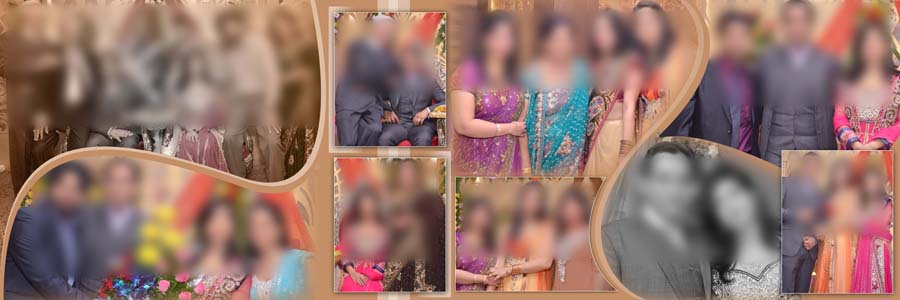
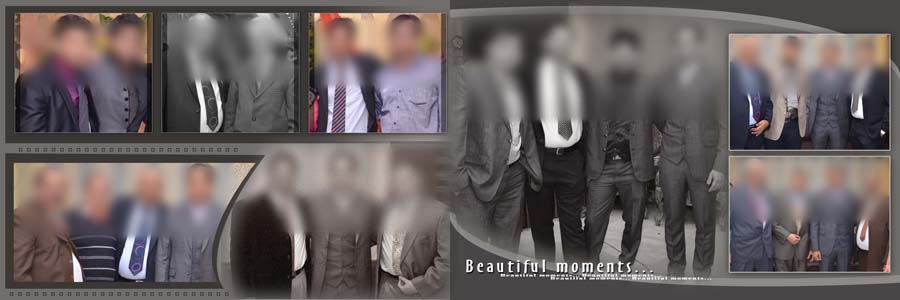
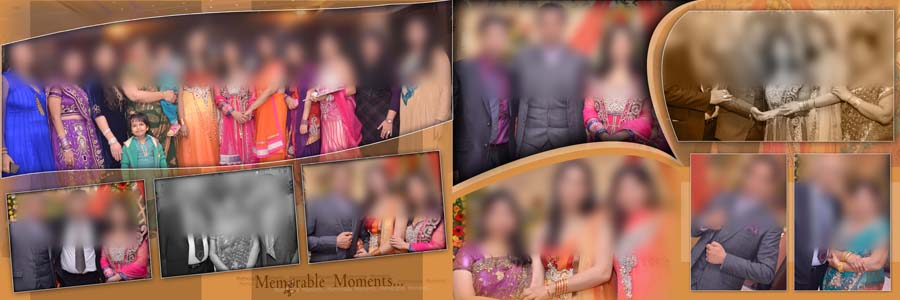
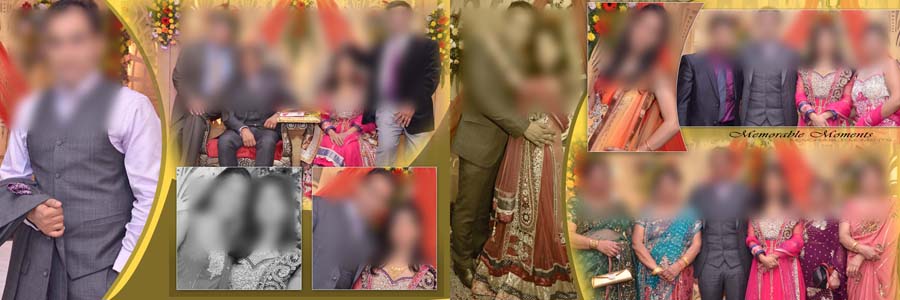
Feather effects can give wedding photos a soft and attractive look without making the album page too busy. In this post, you will find 40 free Indian wedding album PSD designs made with feather shapes. The effects are already applied, so you do not need to create them from scratch. Adjust your photo to fit the feather-shaped area, and the existing effect will blend it into the design. These Wedding Album PSD Templates are useful for photographers, wedding studios, and album designers who want to prepare attractive inner sheets in less time.
The designs are suitable for wedding couple portraits, family photographs, guests, ceremony moments, and multiple-photo layouts. Many photographers also search for these pages as wedding album inner sheets when looking for ready-made designs for their clients.
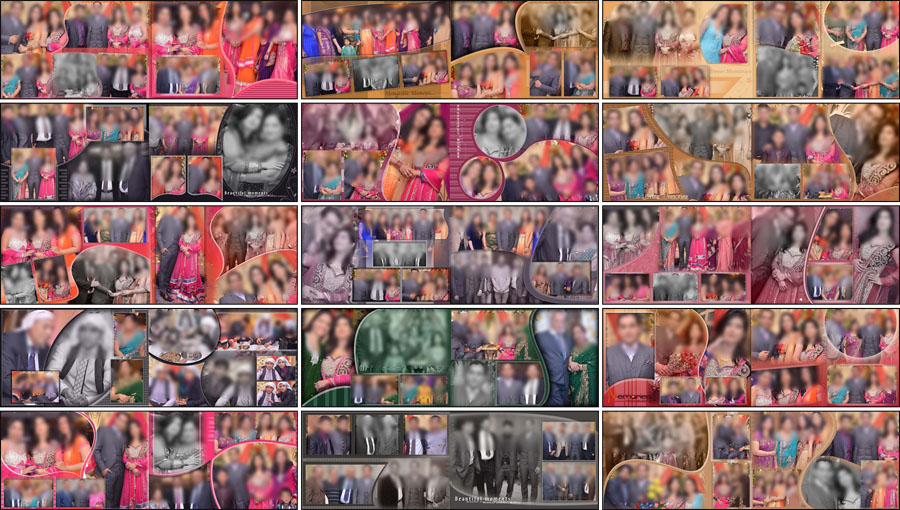
40 Free Feather Shape Wedding Album PSD Designs
All 40 designs are made for a wide 12×36 album spread. Feather shapes can help photos blend into the background instead of looking like ordinary rectangular pictures. If you need more layouts for the same album size, browse our 12×36 Album PSD Design collection for additional ideas.
You can use these layouts for a large wedding couple portrait, a collection of family photographs, or a mix of pictures from different ceremony moments. The wide page gives you room to arrange photos in a balanced way. Choose a design that suits the pictures instead of trying to fit every photograph into the same layout.
The main benefit is that the feather effect is already applied in the PSD file. You can focus on selecting the right photos, adjusting their position, and checking the final composition. This can save time when working on several wedding album pages for a client.
PSD Pack Details
When preparing the inside pages, it is also worth thinking about how the finished album will look as a whole. You can explore our Wedding Album Cover Collections for cover ideas that complement the style of your inner sheets.
- Total designs: 40 free wedding album designs
- Album size: 12×36
- File format: Adobe Photoshop PSD
- Design style: Feather shapes with applied photo effects
- Layers: Fully editable PSD layers
- Software compatibility: Adobe Photoshop CS3 to CC 2026
- Suitable for: Couple portraits, family photos, guests, and ceremony moments
- Price: Free download
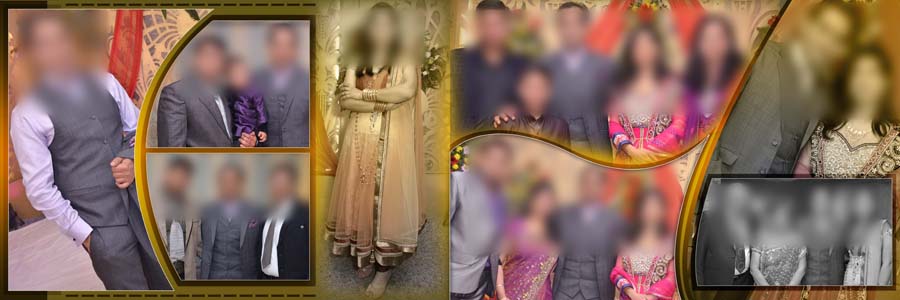
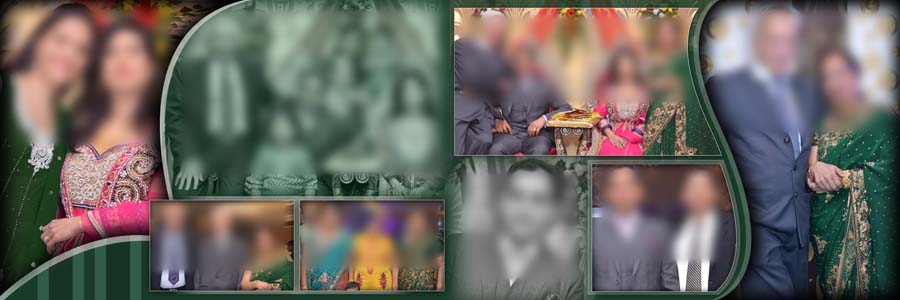
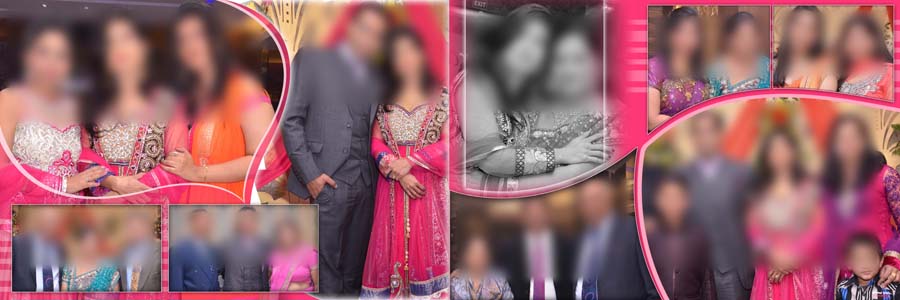
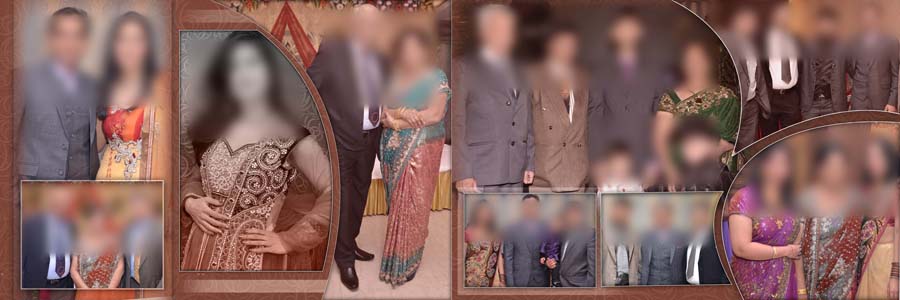
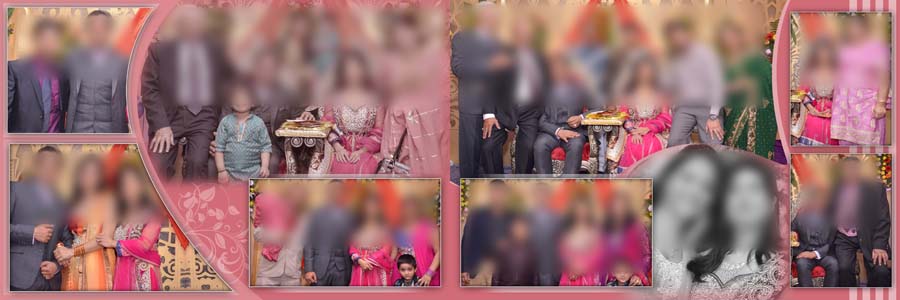
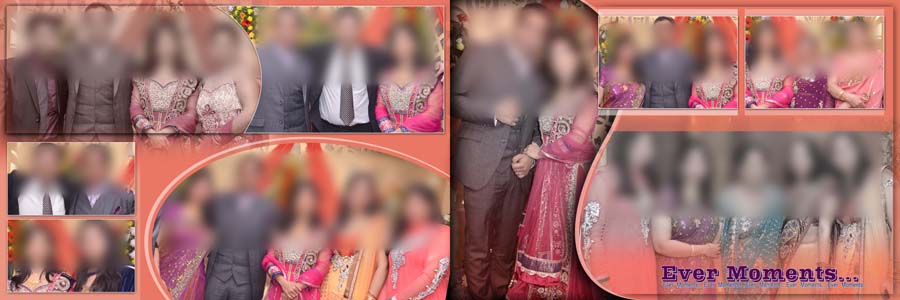
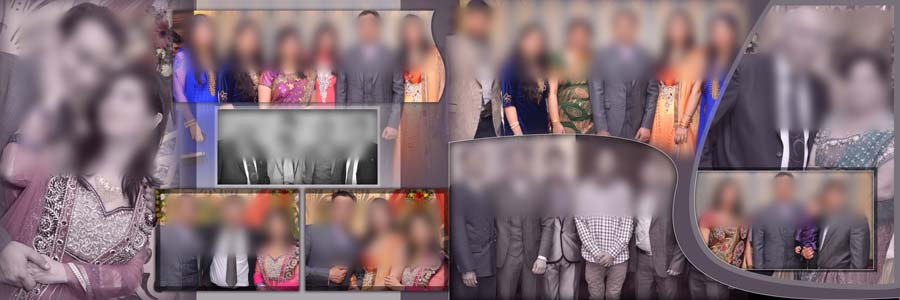
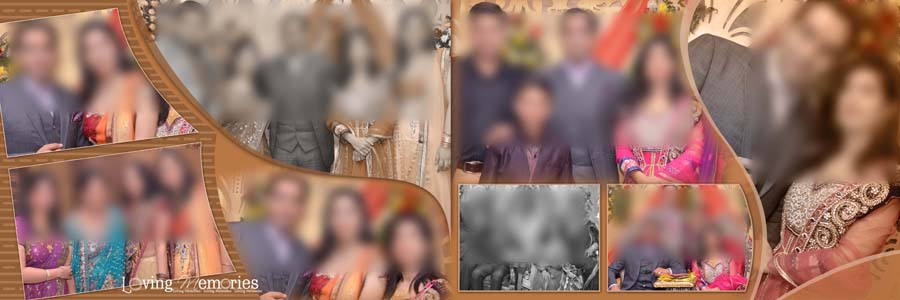
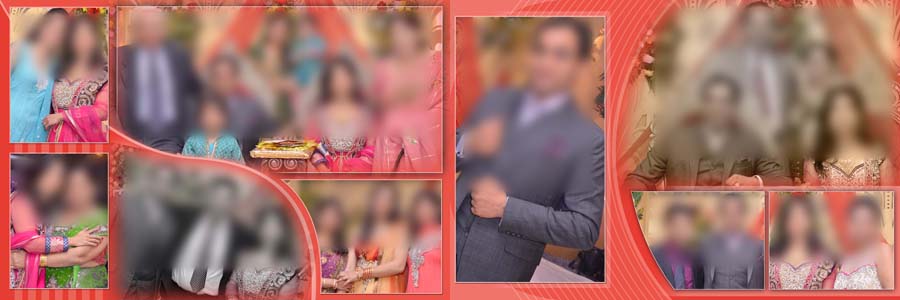
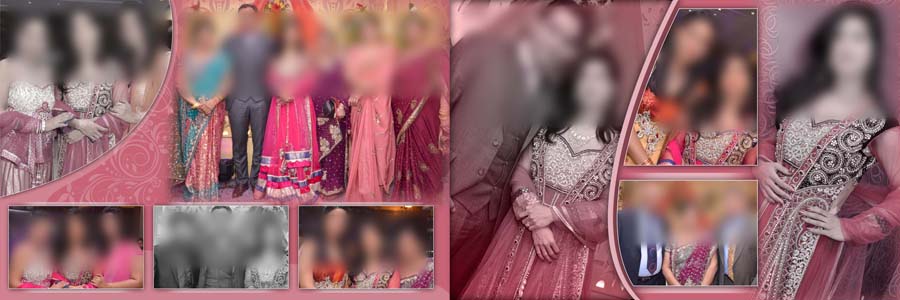
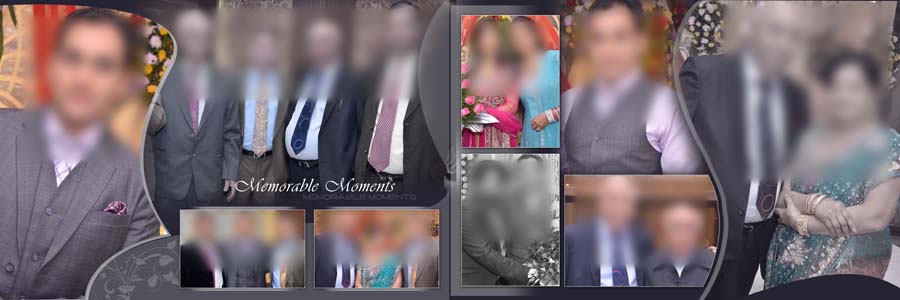
Where Can You Use Feather Shape Album Designs?
Wedding Couple Portraits
A couple portrait often deserves the main space on a wedding album page. Feather shapes can soften the edges around the photograph and help it blend with the rest of the layout. Choose a photo in which both faces are clear, and make sure the crop does not cut off important details such as the wedding outfit or jewellery.
Family and Guest Photographs
Wedding albums usually include parents, relatives, friends and guests along with the couple’s portraits. A multiple-photo layout can bring these memories together on one spread. Keep the photos balanced in size, and avoid placing too many pictures close together. A clean arrangement makes the page easier to look at.
Wedding Ceremony Moments
These designs can also be used for photographs from wedding rituals and other important parts of the celebration. You can group related pictures together to help the album tell the story of the day. For more traditional wedding pages, take a look at our Doli ceremony album layouts.
How to Edit Feather Shape PSD Files in Photoshop
Open the downloaded PSD file in Adobe Photoshop and check the layer panel first. Find the photo layer or the area where the image needs to fit. Replace the sample photo or adjust your own photograph to match the feather shape. Since the effect is already applied, you should not need to build the feather edges manually.
Position the photo carefully so that faces and important details remain visible. If the image does not fit well, adjust the crop or try another photograph. Avoid stretching the image, as this can make faces and body proportions look unnatural.
After replacing the photos, review the complete page at a smaller zoom level. Check the spacing, image placement, and balance across the 12×36 spread. Save the edited PSD file so you can make further changes later. Before printing, confirm the document dimensions and output settings with your album printing service.
More Wedding Album PSD Designs
If you are working on different wedding functions, these collections offer more styles to consider for your next album project.
- Pre-wedding couple album layouts for photoshoots
- Classic Indian wedding page designs in 12×36
- Bridal portrait album designs available for free
Frequently Asked Questions
Q: How many feather shape wedding album designs are included?
A: This collection includes 40 free Indian wedding album PSD designs.
Q: Do I need to apply the feather effect manually?
A: No. The feather effects are already applied in the designs. You just need to adjust your photo to fit the feather-shaped area.
Q: Can I customize these PSD files in Photoshop?
A: Yes. The files have editable layers and are intended for use with Adobe Photoshop CS3 to CC 2026.
Conclusion
These 40 free 12×36 Indian wedding album PSD designs make it easier to create attractive inner sheets with feather shapes. Since the effects are already applied, you can focus on fitting the right photos into each shape and arranging the page to suit the wedding story. Whether you are designing couple portraits, family pictures or ceremony moments, these templates give you a useful starting point for your next wedding album project.