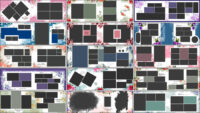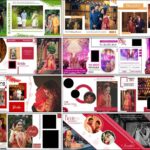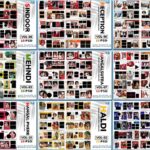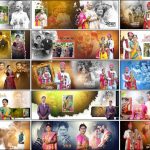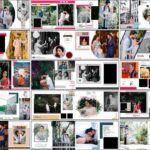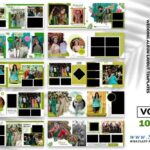
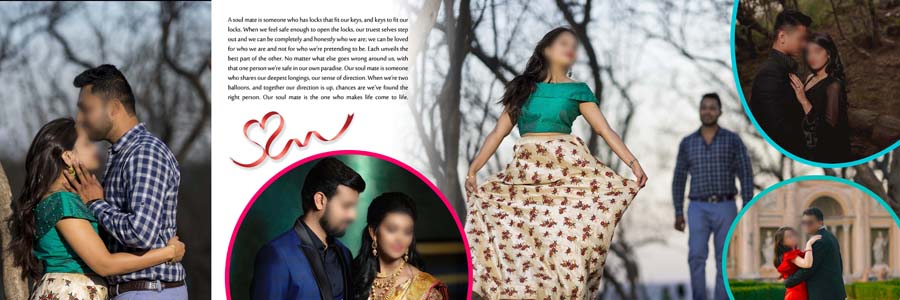
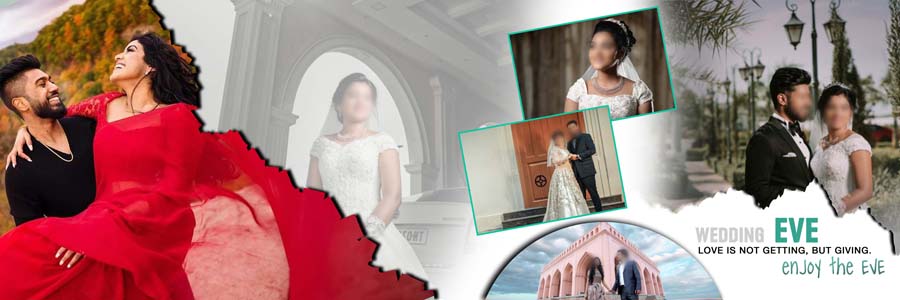
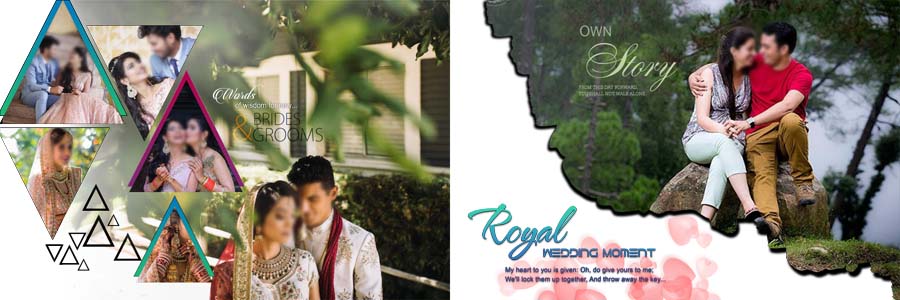
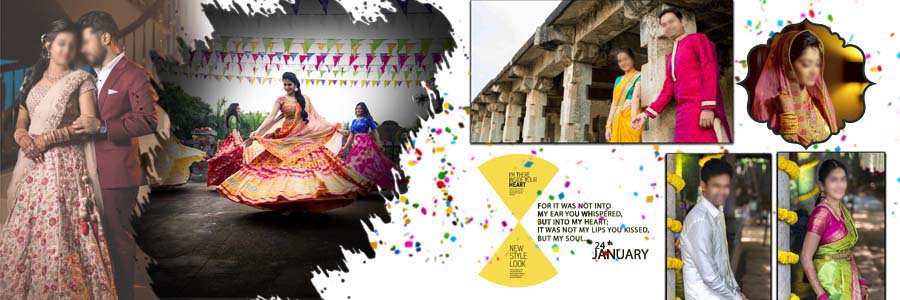
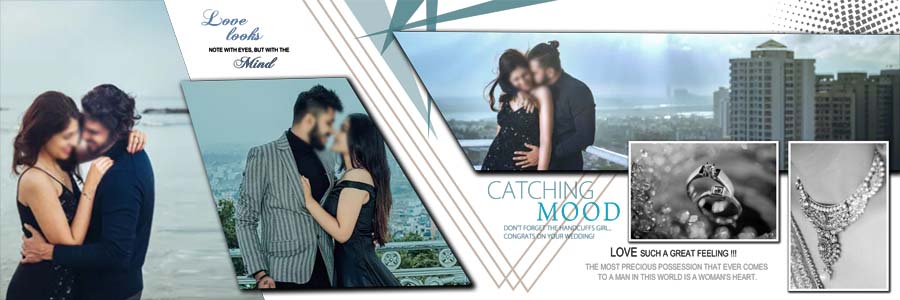
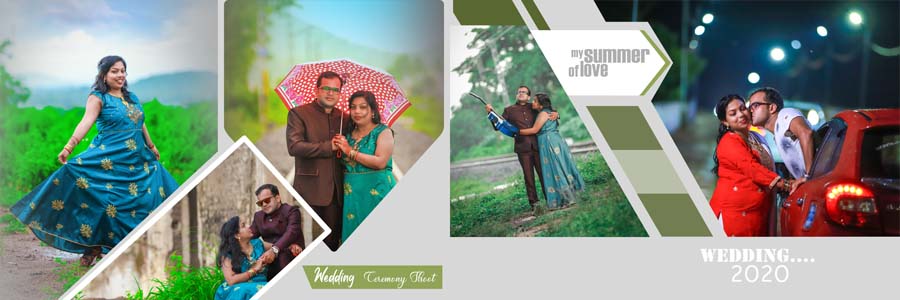
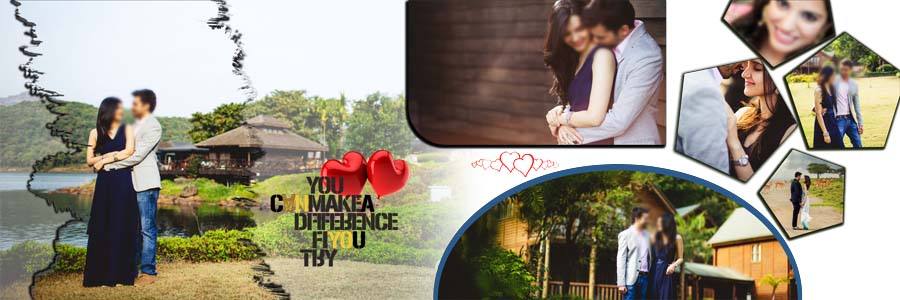
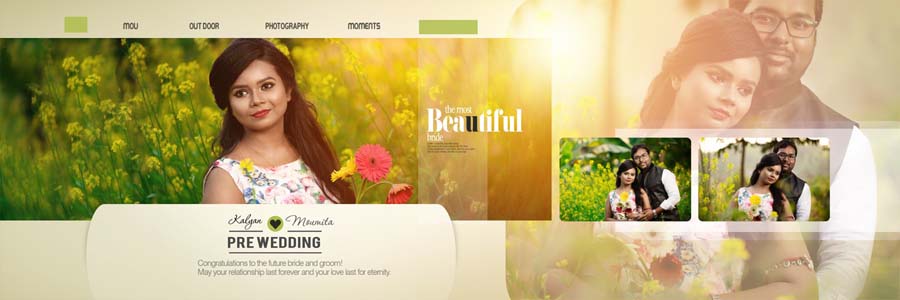
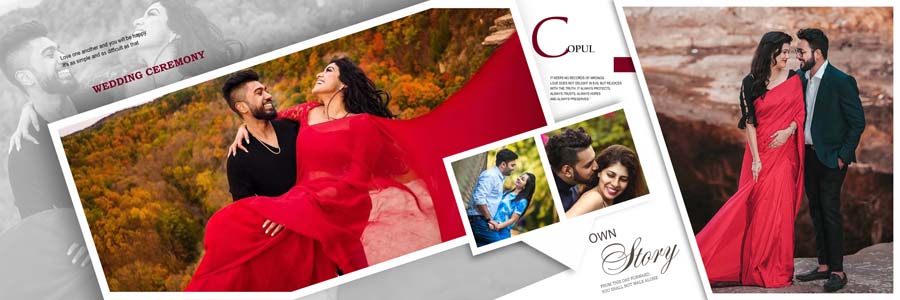
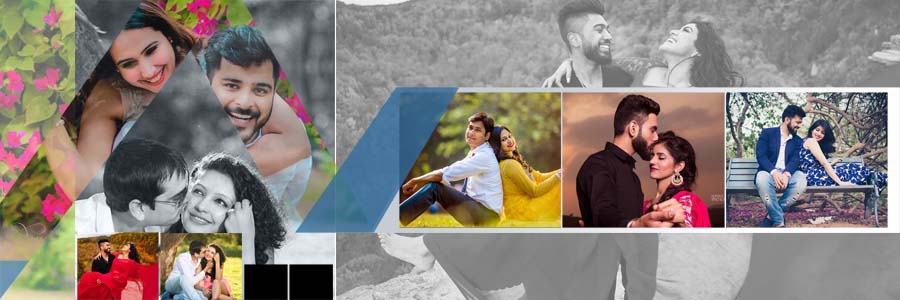
Looking for Pre Wedding Couple Album DM Design PSD 12×36 templates that you can open in Photoshop and edit right away? This free pack gives you 20 ready-made pre-wedding DM designs made for wide 12×36 album spreads. Every file is a fully editable PSD with separate layers, so you can replace the photographs, adjust the layout, and finish a couple album without building each spread from scratch. Green, pink, purple, and red colour themes are included, along with a few black-and-white portrait layouts. For more options, browse the full wedding album design PSD collection.
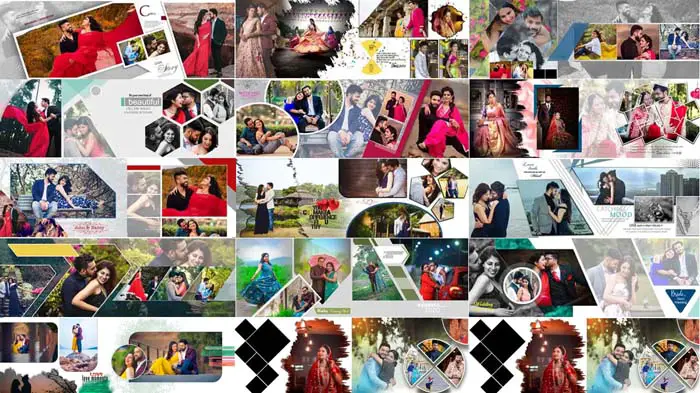
Pre Wedding Couple Album DM Design PSD 12×36: Pack Details
- Total designs: 20 pre-wedding couple album PSD templates
- Album size: 12×36 inches (wide spread)
- Resolution: 200 DPI (about 2400 x 7200 pixels at full size)
- Design style: Pre-Wedding DM Design
- Layers: Fully editable PSD layers
- Compatibility: Adobe Photoshop CS3 to CC 2026
- File format: PSD, shared as .rar files
- Colour themes: Green, pink, purple and red, plus selected black-and-white layouts
- Price: Free download
Who Are These Album Templates For?
These layouts are made for wedding photographers, album designers and studios that deliver pre-wedding and couple albums regularly. If you already have a set of edited portraits, a ready-made PSD saves the time you would otherwise spend placing frames, backgrounds, and decorative elements. After downloading, you can customize each design in Adobe Photoshop without any complicated setup.
Choose the Right Layout for Couple Portraits
Not every photograph needs the same amount of space. A close-up portrait may look best in a simple frame, while a full-length picture can benefit from a larger photo area. When several photographs from the same session are available, a collage can show different poses without making the album feel repetitive.
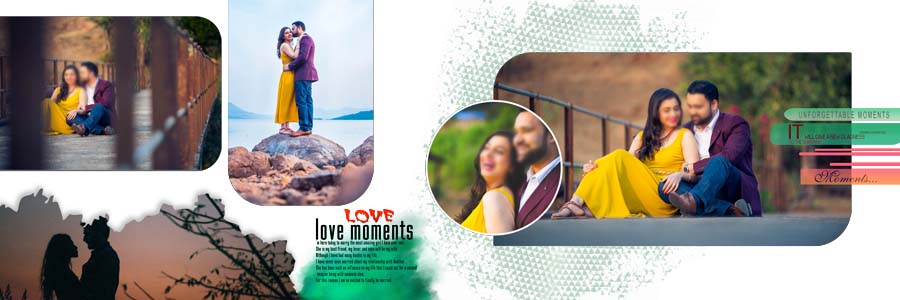
The wide 12×36 format works well for one main bride and groom photograph with smaller images around it to show other expressions, outfits, or moments. Keep the couple as the main focus and let the decorative elements support the photographs. If you need more page styles, see the 12×36 album design PSD category, and try a different composition on each spread so the album does not feel repetitive.
Colour Themes and Portrait Styles
Choose the background colour according to the clothing, lighting and tones already present in the photograph, instead of using one colour on every page.
Bridal Close-Ups and Traditional Outfits
Close-up bridal photographs show details such as jewellery, makeup, hairstyles and expressions, so these images need enough space to stay clear. Avoid cropping important details or placing decorative elements too close to the face. Traditional outfits often have rich colours and fine embroidery, so pick a background that complements them rather than competes with them.
Green, Pink, Purple and Red Designs
Green layouts give contrast around selected portraits, and pink suits softer compositions. Purple and red work well for traditional looks. Mixing two or three themes across one album adds variety while keeping the style consistent.
Black-and-White Portraits
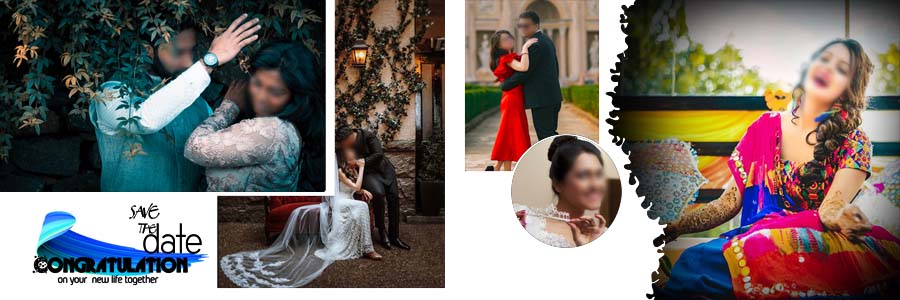
Monochrome layouts focus attention on expression, light, and contrast. Placing one between colourful spreads breaks the rhythm of the album pleasantly.
Download Free Pre-Wedding DM Design PSD Templates (20 Designs)
Scroll through the previews and click the button under the design you want. If a file does not extract properly, install 7-Zip and try again.








How to Arrange Photos Across a 12×36 Spread
A 12×36 spread gives you a wide canvas, but too many photographs on one page make it hard to read. Select the main image first, then decide which pictures support it.
- Start with one main image: pick the strongest couple portrait and give it room to stand out.
- Add supporting photographs: use smaller pictures for other poses, details or moments from the same session.
- Balance the spread: do not place all the large photographs on one side.
- Check the cropping: faces, outfits and jewellery should stay fully visible.
- Watch the centre fold: keep faces and important details away from the middle of the 36-inch width, where the album binds or folds.
- Use colour with purpose: choose a background that supports the photograph instead of overpowering it.
How to Edit These PSD Templates in Photoshop
All templates come with fully editable PSD layers and work with Adobe Photoshop CS3 to CC 2026. After downloading, you can customize any design in a few simple steps.
- Extract the downloaded .rar file and open the PSD in Adobe Photoshop.
- Check the Layers panel to find photo frames, backgrounds, text and decorative elements.
- Place your photograph above the frame layer and create a clipping mask (Alt/Option + click between the two layers). If the frame is a smart object, double-click its thumbnail instead, paste your photo, then save and close.
- Resize and reposition the photo so the faces and main details stay inside the frame.
- Edit any text layers and adjust colours on the elements you want to change.
- Keep the layers separate until the design is final, and save an editable PSD copy before exporting.
- Review spacing, alignment and the full spread at 100% zoom before sending it to print.
The files are 200 DPI, so keep your replacement photographs at a similar or higher resolution for a sharp print. Before printing, ask your lab for its required dimensions, bleed, colour profile and file format, and keep faces and important text a safe distance from the trim edge.
Complete the Album with a Matching Cover
The cover is the first thing a client sees, so it should match the inside pages. A single strong portrait with a colour theme close to your interior spreads usually works well. Browse the wedding album cover design collection for matching options, or the wedding album background section if you want to change the backdrop of a layout.
Looking for Premium Album Designs?
If you need a larger or more exclusive set, check our premium collection, for example, 25 Floral Wedding Album Design 12×36 PSD Templates or 20 Marathi Wedding Album Design PSD 12×36 Templates.
More Free Pre-Wedding Album PSD Designs
- Modern pre-wedding album design PSD templates 12×36
- Creative wedding album design PSD templates 12×36
- Latest 12×36 pre-wedding album PSD designs
- Wedding couple portrait album PSD templates 12×36
Frequently Asked Questions
How many pre-wedding album PSD templates are included?
This collection includes 20 free pre-wedding couple album DM design PSD templates in 12×36 size.
What is the size and resolution of these PSD files?
The designs are 12×36 inches at 200 DPI.
Are the PSD files fully editable?
Yes. The templates have fully editable PSD layers, so you can replace photographs, adjust the layout and customize the design in Adobe Photoshop after downloading.
Which Photoshop version do I need?
The templates are compatible with Adobe Photoshop CS3 to CC 2026.
What kind of photographs suit these layouts?
They suit pre-wedding couple portraits, bridal close-ups, traditional outfits and selected black-and-white portraits.
What should I do if the .rar file does not extract?
Install the free 7-Zip software and extract the file with it. It solves most extraction and “wrong password” errors.
Are these templates really free?
Yes, all 20 templates in this pack are free to download.
Conclusion
This Pre Wedding Couple Album DM Design PSD 12×36 pack gives photographers and album designers 20 practical, fully editable layouts for pre-wedding and couple albums. Green, pink, purple, red, and black-and-white options let you match the design to each photo set, and the wide 12×36 format has enough room for one main portrait with supporting images. Download the designs you like, replace the photographs in Photoshop, and finish your next album faster.