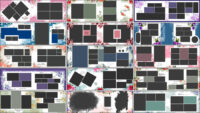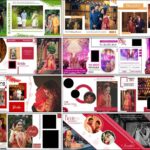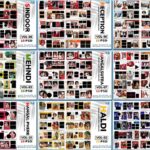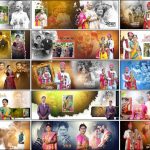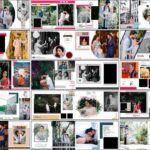
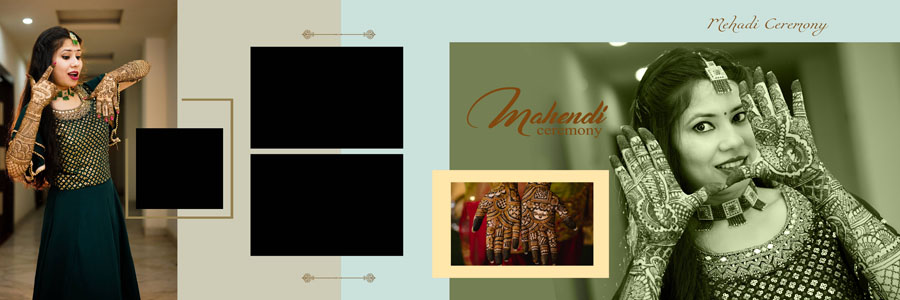
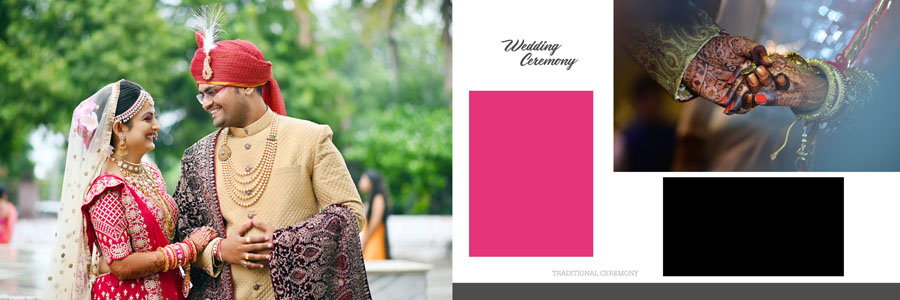
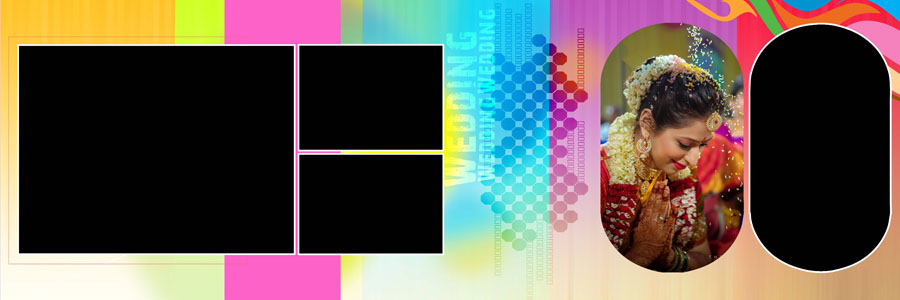
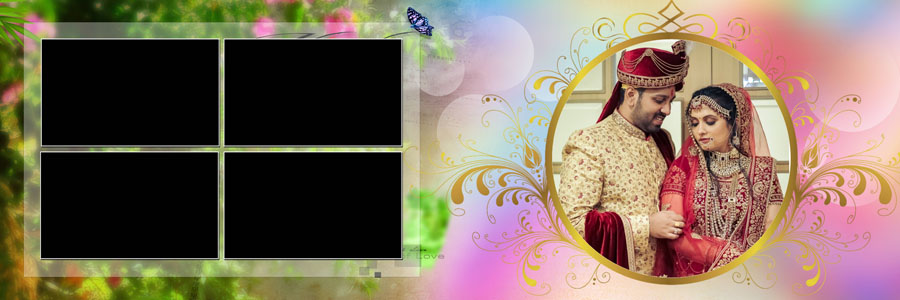
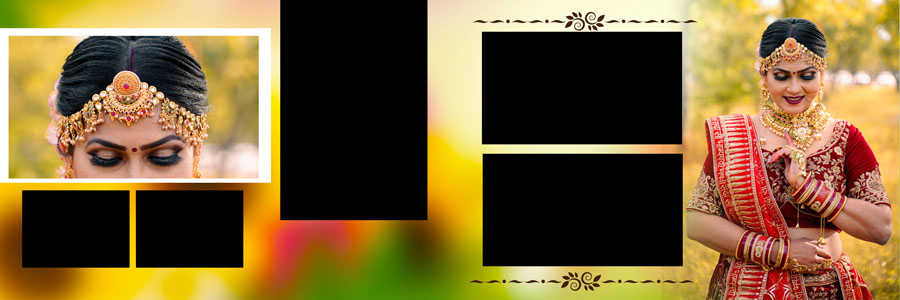
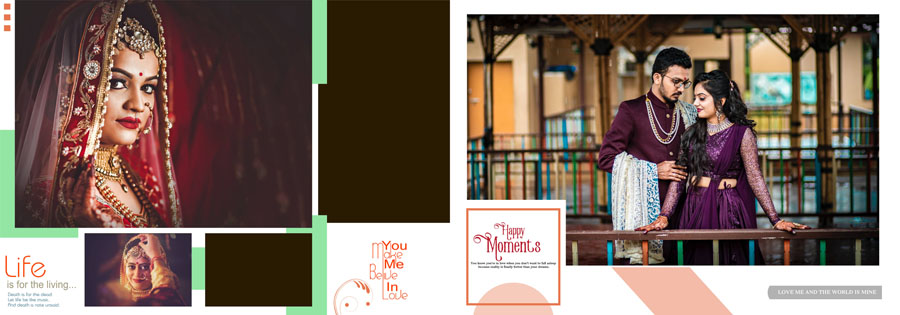
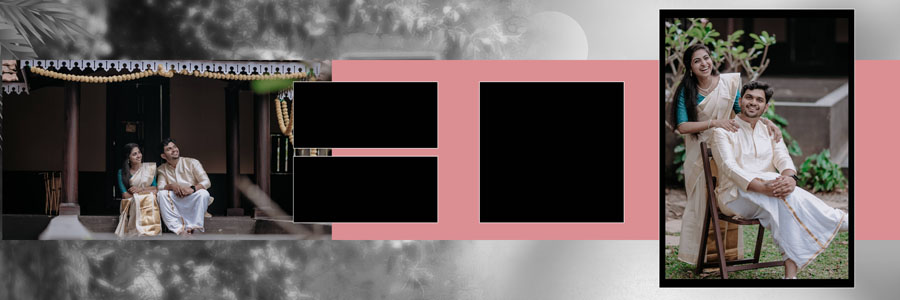
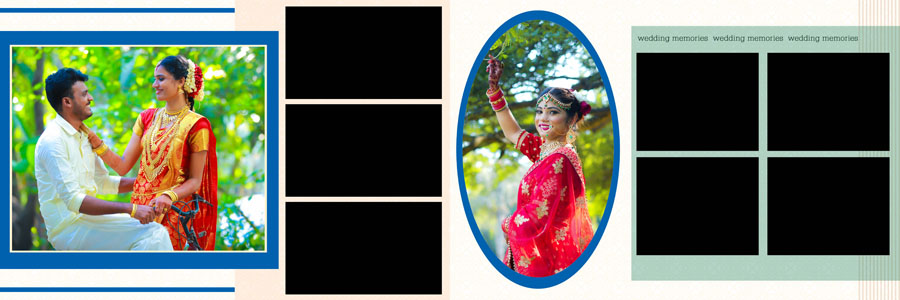
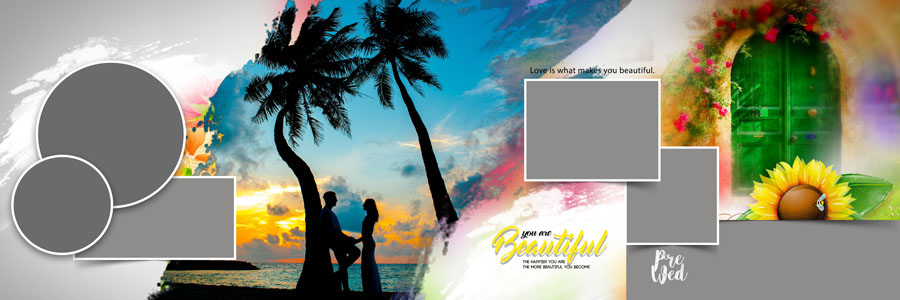
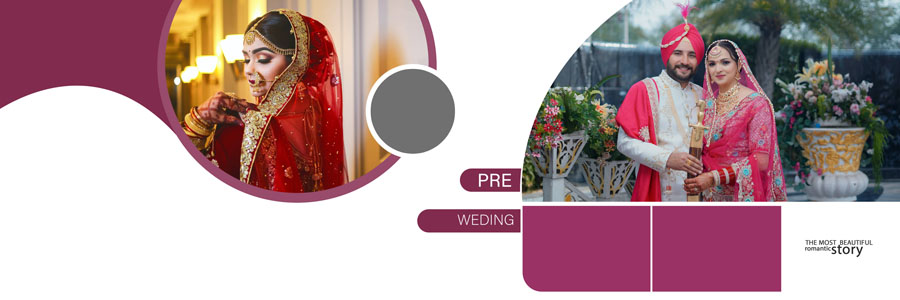
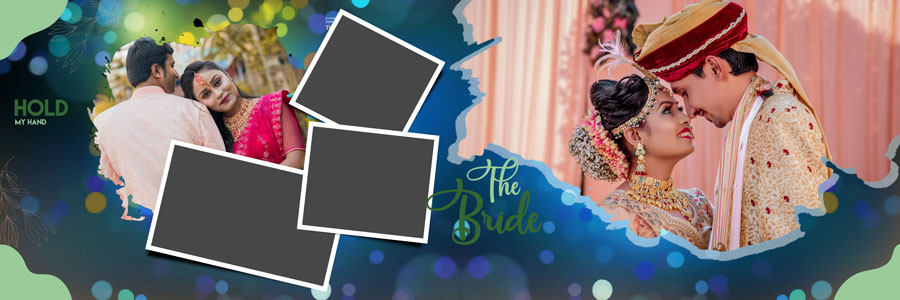
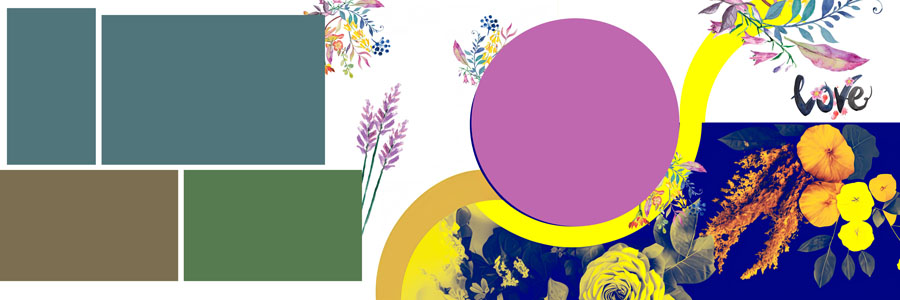
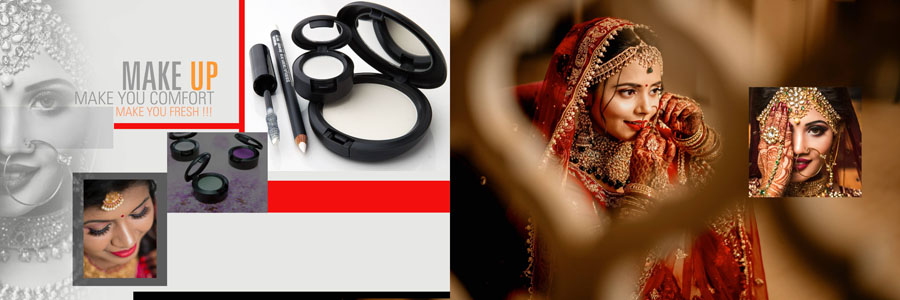
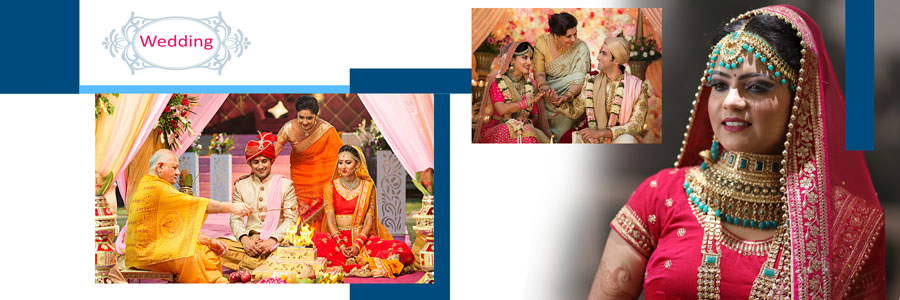
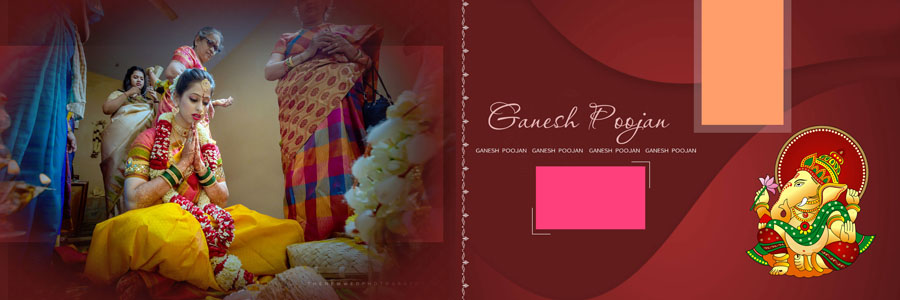
Creating a beautiful wedding album takes more than choosing good photographs. The way each picture is arranged on the page also makes a big difference. For photographers and album designers looking for fresh ideas, these 20 Free Creative Indian Wedding Album PSD Layouts 12×36 offer different ways to arrange wedding photographs in a traditional Indian style.
This collection includes 20 creative layouts in 12×36 size, provided in PSD format with fully editable layers. You can open the files in Adobe Photoshop CS3 to CC 2026 and customize them according to your photographs and project requirements. You can also explore more free PSD designs for photo editing and creative projects.
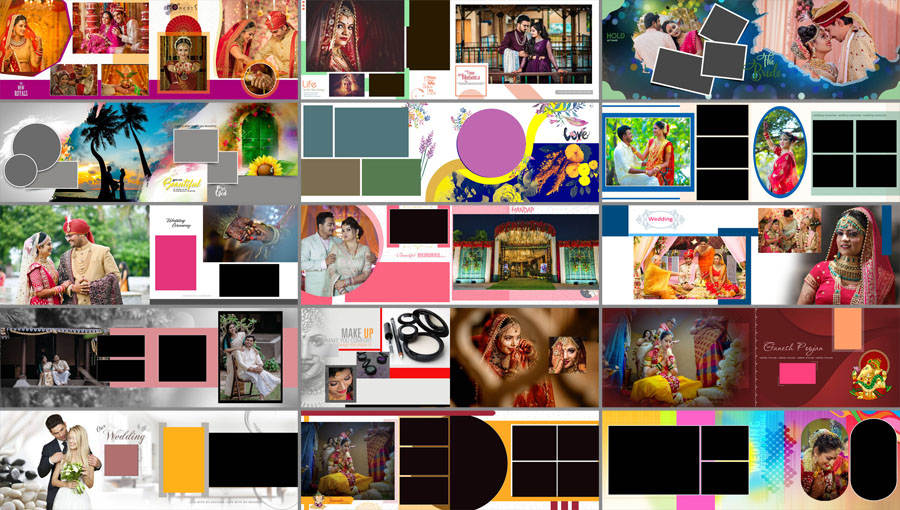
Explore These Creative Indian Wedding Album Designs
Indian weddings include many special moments, from the main ceremony and couple portraits to family photographs and candid pictures. A good album layout brings these moments together without making the pages look crowded. These Indian Wedding Album PSD Layouts 12×36 give you a starting point for arranging wedding photographs in a clean and attractive way.
The collection contains 20 layouts that you can choose according to the photographs available for each page. Some designs may work well for couple portraits, while others can be adapted for ceremony highlights, family pictures, and other memorable moments. Select a layout that suits the photos instead of trying to fit every photograph into the same style.
For more inspiration, browse these wedding album design PSD collections and explore different styles for your upcoming projects.
Design Details and Photoshop Compatibility
Here are the main details of these free Indian wedding album PSD templates:
- Total Designs: 20 creative Indian wedding album layouts
- Design Size: 12×36 inches format
- File Format: PSD
- Layers: Fully editable layers
- Software Compatibility: Adobe Photoshop CS3 to CC 2026
- Customization: Easy to customize according to your photographs and design needs
The PSD format gives you the flexibility to work with the available layers and adjust the layouts for your project. These designs are suitable for photographers, photo studios, and album designers who regularly prepare wide wedding album spreads. You can also visit the 12×36 wedding album PSD collection to find more layouts in the same size.
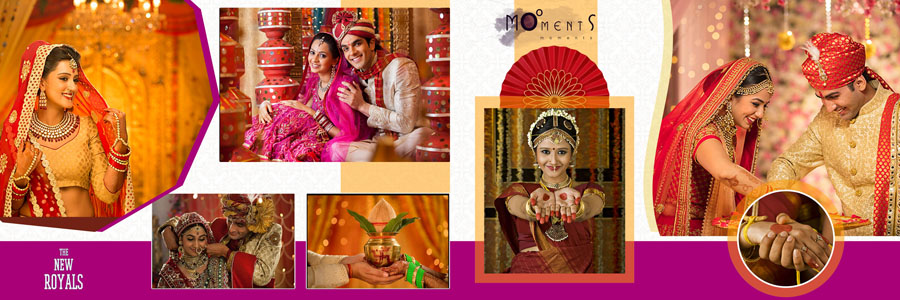
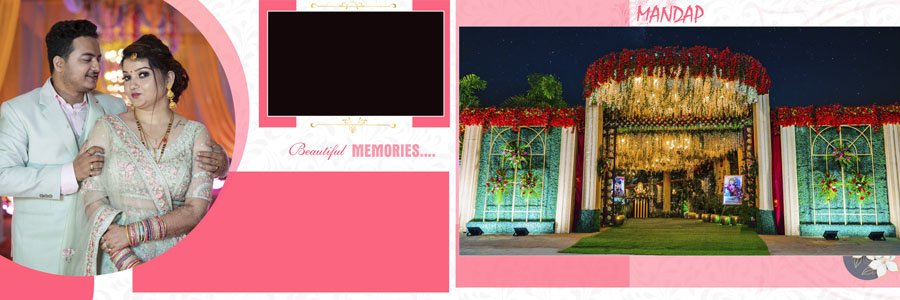
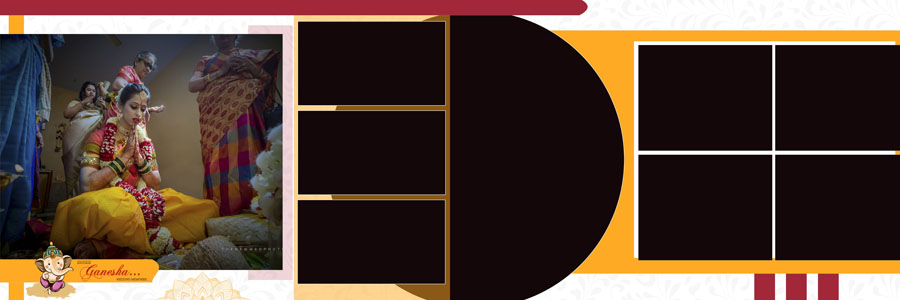


How to Customize the Wedding Album PSD Files
Before preparing the final album pages, open the PSD file in a compatible version of Adobe Photoshop. Take a moment to check the layer structure and understand how the photographs fit into the design. The following steps can help you prepare each spread neatly.
- Open the PSD file: Launch Adobe Photoshop and open the selected 12×36 wedding album design. Make sure the file opens properly before starting your edits.
- Review the layers: Check the available layers in the Layers panel. Select the parts you need to edit and keep the original structure organized while making changes.
- Add your wedding photographs: Place your selected pictures into the layout and adjust their size and position to fit the available spaces.
- Check photo cropping: Make sure faces, jewellery, clothing details, and other important parts of each photograph remain visible. Avoid cutting off important details while resizing images.
- Keep the centre fold clear: Since a 12×36 design is used as a wide album spread, keep important faces and details away from the centre fold so they are not hidden when the album is assembled.
- Maintain a balanced layout: Avoid placing too many photographs close together. Give the main images enough space so the page looks clean and the couple remains the focus.
- Adjust the overall appearance: Review the colours, photo placement, and visual balance across neighbouring pages. Make small adjustments where needed to keep the album consistent.
- Check before printing: Review the completed design at full size. Confirm the safe area, final dimensions, and bleed requirements with your album printing lab before sending the file for printing.
If you are also preparing a matching front or back cover, explore these wedding album cover design resources for more ideas.
Download 20 Free Creative Indian Wedding Album PSD Layouts
These 20 Free Creative Indian Wedding Album PSD Layouts 12×36 are useful for photographers, album designers, and photo studios looking for creative page arrangements. With fully editable layers, you can customize the designs in Photoshop and arrange your selected wedding photographs according to the requirements of each album project.
Choose a layout that suits the photographs, make the necessary edits, and review every page before saving your finished design. Careful photo placement and a balanced arrangement can help you create wedding album pages that look neat and present the couple’s memories beautifully.
Related Wedding Album PSD Designs
Looking for more wedding album layouts and design ideas? Explore these related collections for additional 12×36 PSD templates, traditional Indian wedding designs, and pre-wedding album resources.
- Free 12×36 Indian Wedding Album PSD Designs
- Doli Ceremony PSD Templates
- 20 Free Wedding Album PSD Templates in 12×36 Size
- Pre-Wedding Photo Album DM Designs Vol. 02
- Modern Pre-Wedding Photo Album PSD Designs
Conclusion
These 20 free creative Indian wedding album PSD layouts provide a helpful starting point for designing 12×36 wedding album pages in Adobe Photoshop. The editable PSD files let you adjust the layouts to suit your photographs and the style of each wedding project. Choose the designs that fit your images, check the details carefully, and keep the final album clean, balanced, and easy to enjoy.