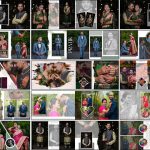
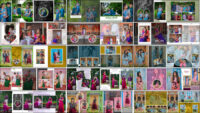
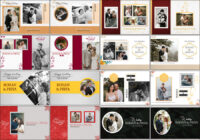
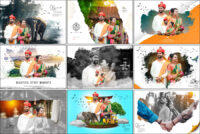
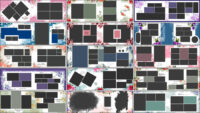
If you are searching for modern and professional album layouts for wedding reception photography, 19 Creative Wedding Reception Album Design PSD Templates can help you design albums that truly stand out. Wedding reception moments are full of emotions, candid expressions, and celebrations, and they deserve layouts that highlight every detail beautifully. Creative PSD templates make this process easier by offering ready-made designs that look elegant and well-balanced. Many designers prefer working with wide-format albums, and using professional 12×36 wedding album PSD templates allows better photo placement and a premium visual flow.
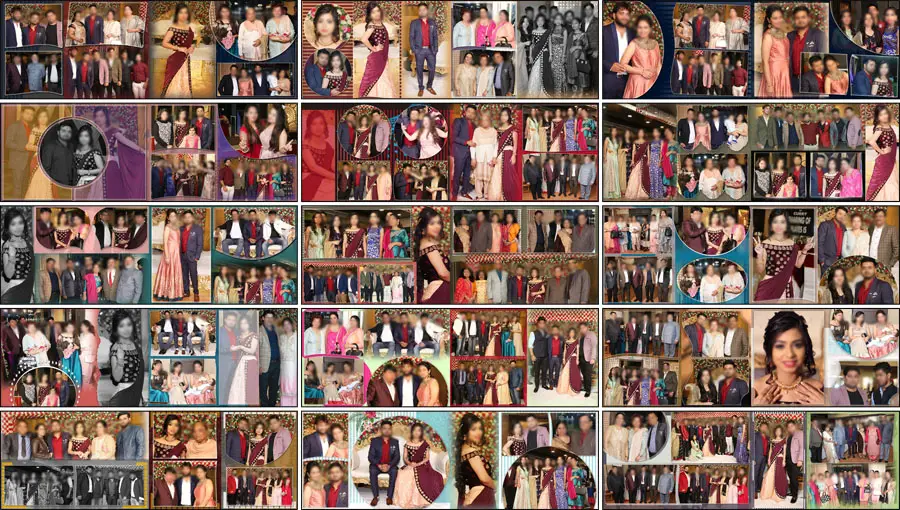
Reception album PSD templates are designed to be visually appealing and easy to customize. They allow you to arrange multiple photos in a clean layout while maintaining focus on key moments such as couple entries, family interactions, and stage portraits. These layouts save time during album designing and help photographers deliver consistent quality for every client.
Why Choose Creative Wedding Reception Album Design PSD Templates?
Creative wedding reception album design PSD templates are created to simplify the workflow of photographers and designers. Instead of building layouts from scratch, you get structured designs where spacing, alignment, and visual balance are already taken care of. This allows you to focus more on storytelling through photographs rather than technical layout issues. A well-designed reception album looks complete and professional when the inner pages match the overall theme, especially when paired with stylish wedding album cover designs that create a strong first impression for clients.
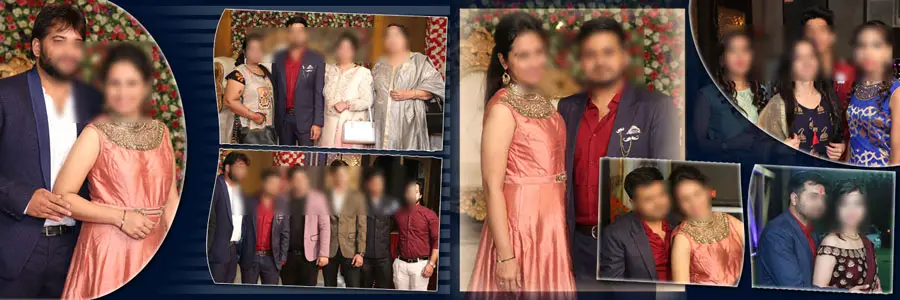
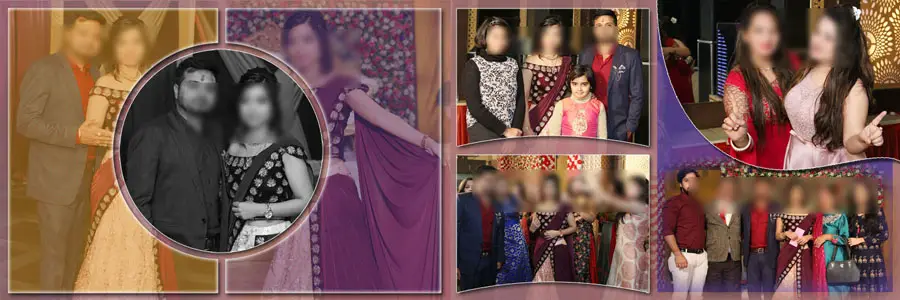
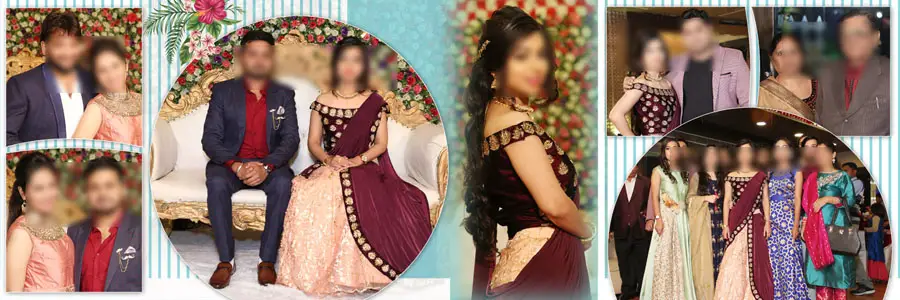
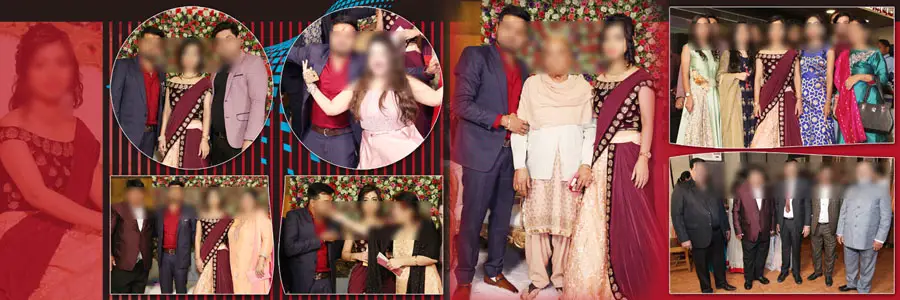
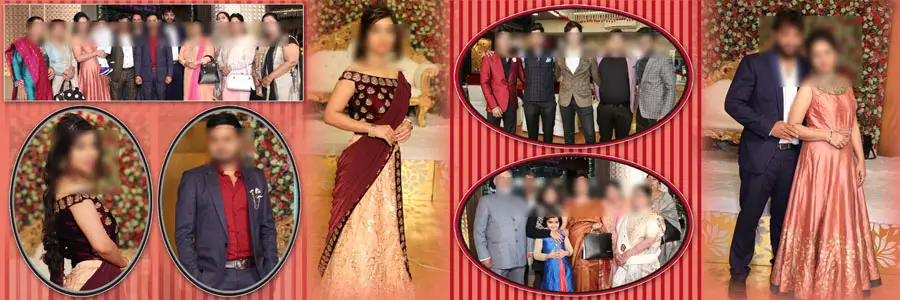
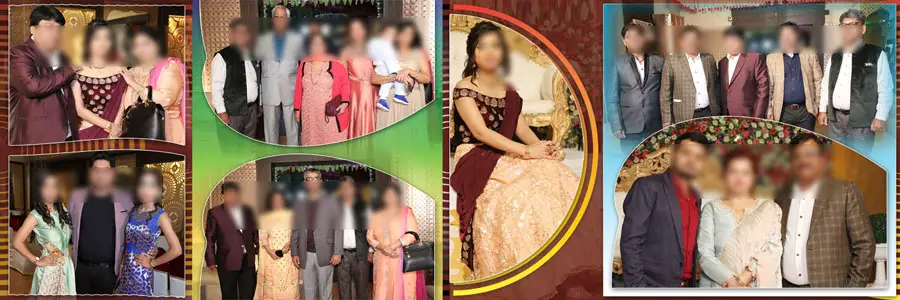
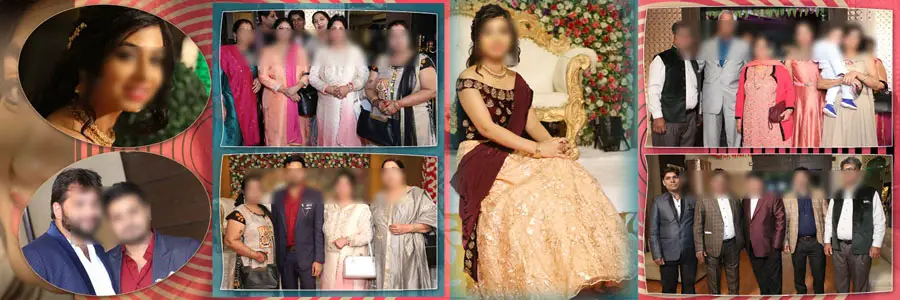
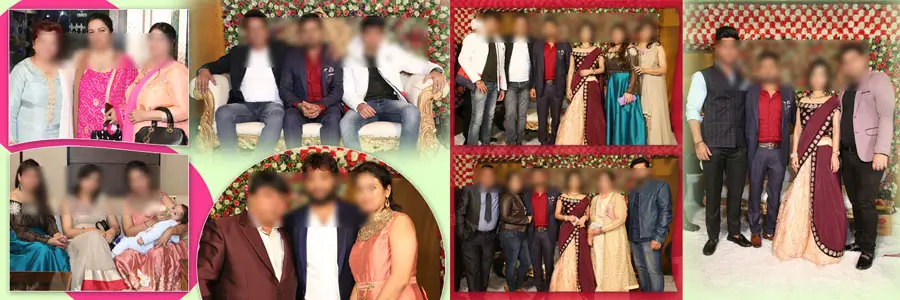
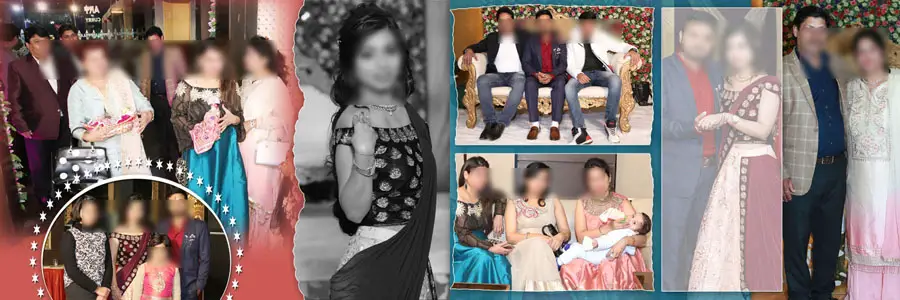
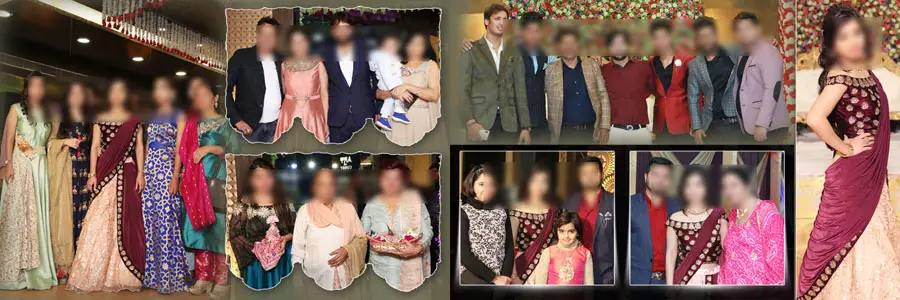
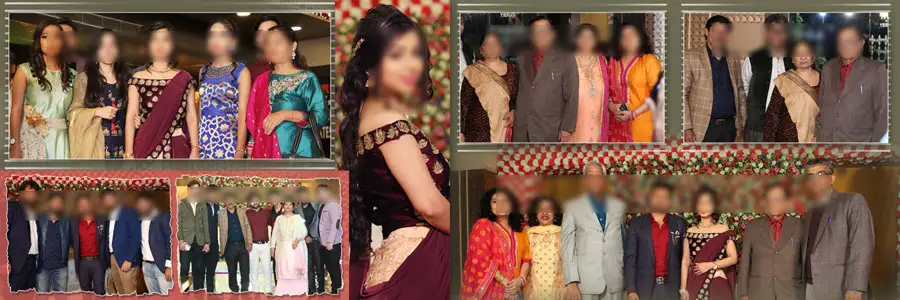

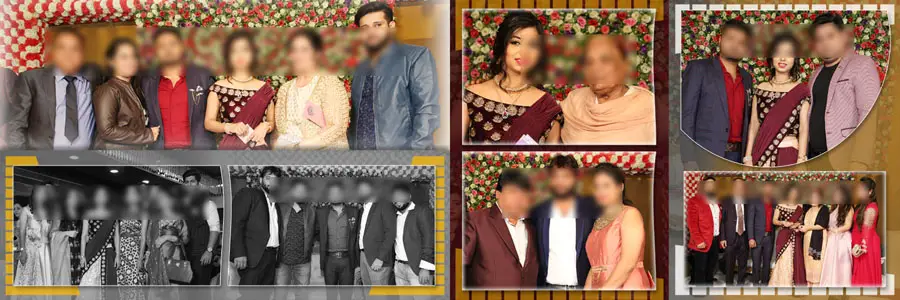
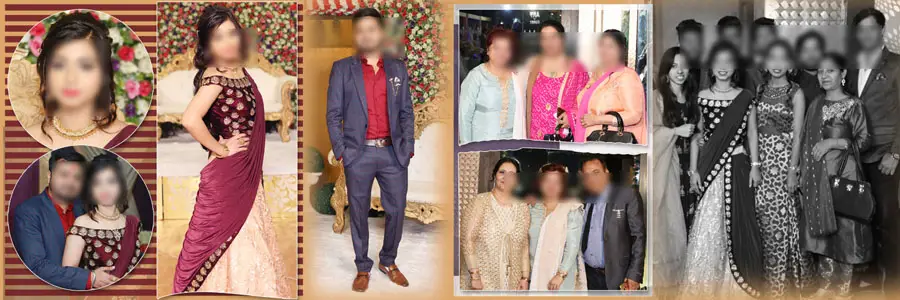
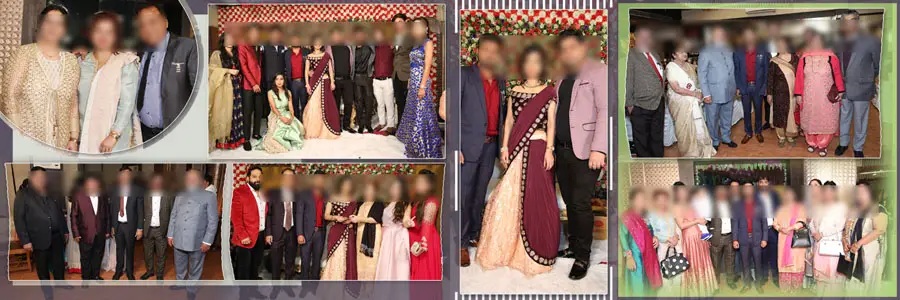
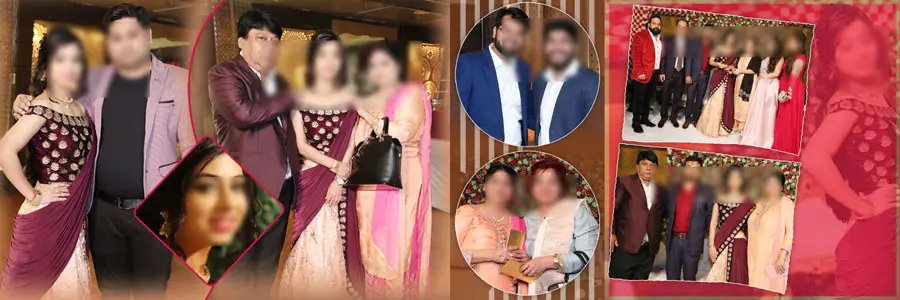

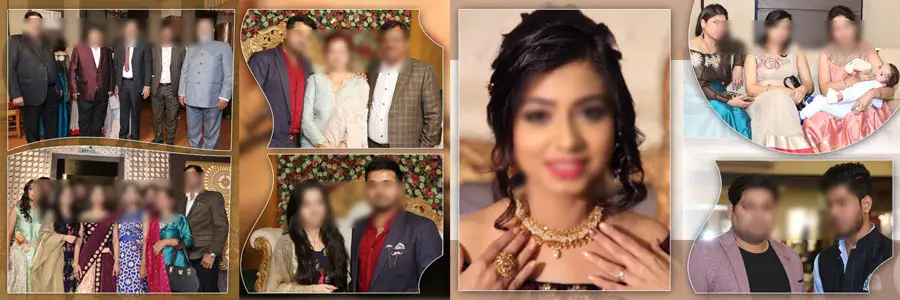
Another major advantage of using creative PSD templates is flexibility. These files are fully layered and editable in Adobe Photoshop, making them suitable for different wedding styles. You can easily adjust colors, backgrounds, and photo frames according to client preferences. Designers who like experimenting with layouts before final delivery often explore free PSD design resources to test creative ideas. Once the concept is finalized, applying the same design approach to premium reception album templates ensures a polished and consistent final album.
How to Customize Wedding Reception Album Design PSD Templates
Customizing reception album PSD templates is a simple process when you follow a clear workflow. Even basic Photoshop knowledge is enough to achieve professional results.
- Open the PSD file in Adobe Photoshop and review all layers carefully.
- Replace placeholder images with reception photographs using smart object layers.
- Edit text layers to add names, dates, or short captions where needed.
- Adjust background colors or textures to match the wedding reception theme.
- Resize or reposition photo frames to highlight important moments.
- Apply subtle color correction or overlays to maintain visual consistency.
- Save the final album pages in high-resolution format for printing.
How Creative Reception Album Designs Improve Client Experience
A wedding reception album is not just a collection of photos; it is a visual story that clients revisit for years. Creative PSD templates help you present that story in an organized and attractive way. Clean layouts, balanced spacing, and consistent design elements make albums easier to view and more emotionally engaging. Clients often judge the quality of an album by how professionally it is designed, not just by the photographs themselves.
Using creative reception album design PSD templates also improves delivery time. Faster turnaround builds trust with clients and increases the chances of referrals. When your albums look premium and well-structured, clients feel confident recommending your services to others. Over time, this approach helps photographers and studios build a strong brand image in the competitive wedding photography market.
Conclusion
19 Creative Wedding Reception Album Design PSD Templates offer a practical and professional solution for designing beautiful reception albums. These templates help photographers and designers save time while maintaining high design standards. With flexible layouts and editable layers, they allow you to adapt each album to match the client’s wedding style and preferences.
If you want to enhance your wedding album workflow and deliver visually impressive reception albums, investing in creative PSD templates is a smart choice. Combine them with matching album covers, customize them carefully, and focus on storytelling through design. This approach not only improves your productivity but also helps you stand out as a professional wedding album designer.