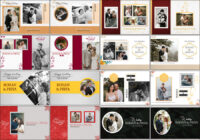
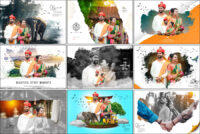
Discover 30 Best Wedding Album PSD 12×36 Templates Free Download for your next wedding projects. These high-quality 300 DPI reception album PSD templates are fully editable in Adobe Photoshop, allowing you to easily customize images, text, and colors according to your client’s needs. The 12×36 format provides a large canvas for creative layouts, making it perfect for pre-wedding, reception, and couple’s portrait albums. With these templates, you can save hours of manual design work while producing professional and visually stunning albums. Each template is carefully crafted to give your albums a modern and elegant look, making them ideal for photographers, designers, and wedding studios. Start creating beautiful, fully personalized wedding albums today with this 12×36 album PSD collection and take your wedding projects to the next level effortlessly and for free.
Why 12×36 Wedding Album PSD Templates Are Popular
Large-format wedding album templates like 12×36 PSD designs have become a favorite among professional photographers and wedding studios due to their versatility and ease of use. These editable PSD wedding albums allow designers to quickly create beautiful layouts without starting from scratch, saving time while maintaining a professional appearance. The high-resolution 300 DPI files ensure crisp print quality, making them ideal for reception albums, pre-wedding shoots, or couple portraits. Many designers also appreciate the ready-made frames, backgrounds, and creative layouts included in these templates, which help in producing visually stunning albums effortlessly. With options to customize colors, images, and text, these large-format PSD albums provide both flexibility and efficiency. Explore these wedding album cover designs to enhance your projects and deliver elegant albums that impress clients consistently.
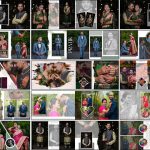
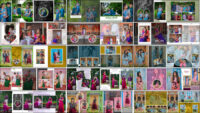
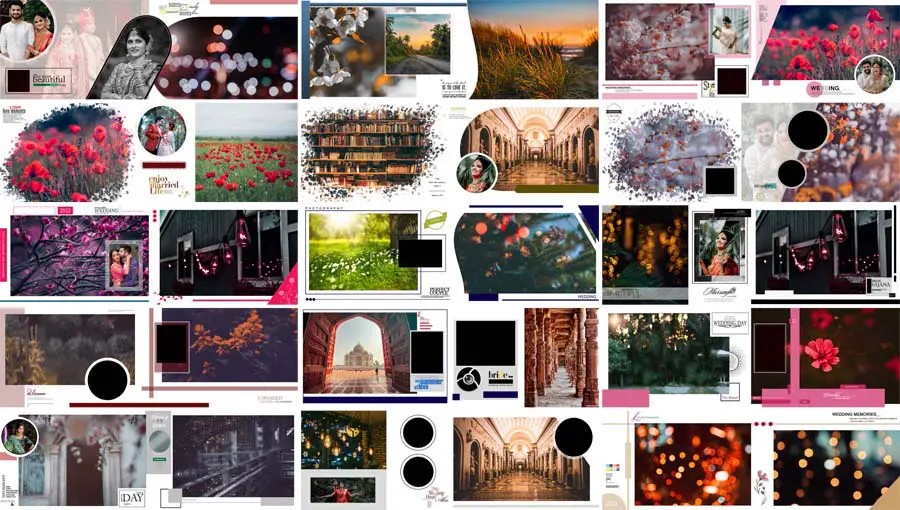
Preview of 30 Wedding Album PSD Templates
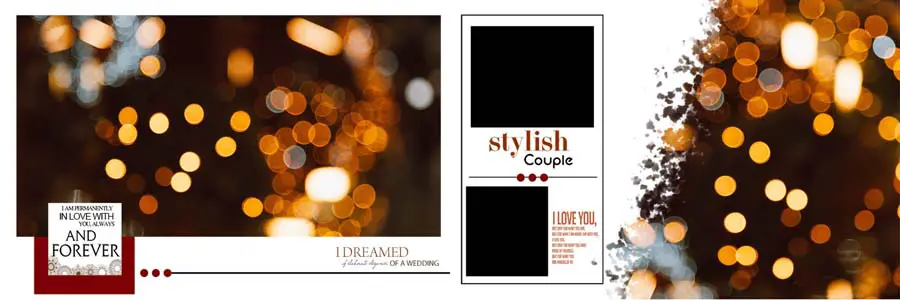
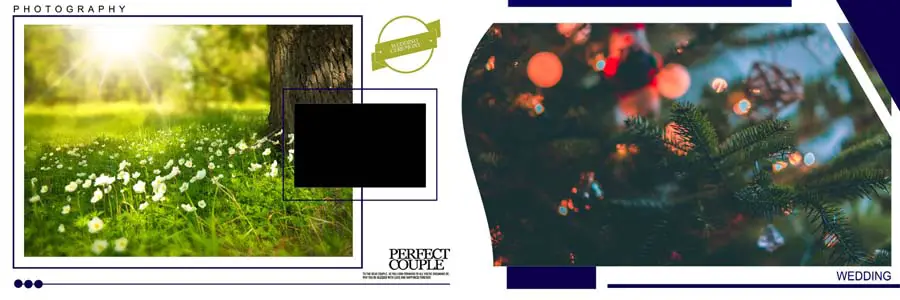
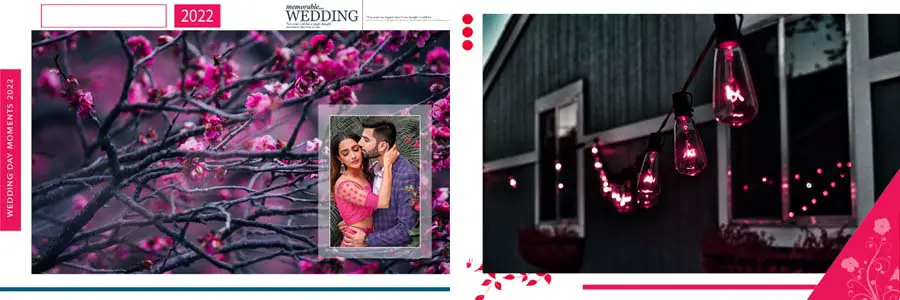
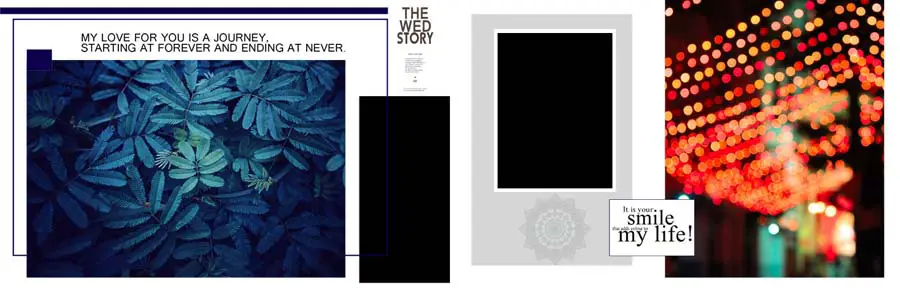
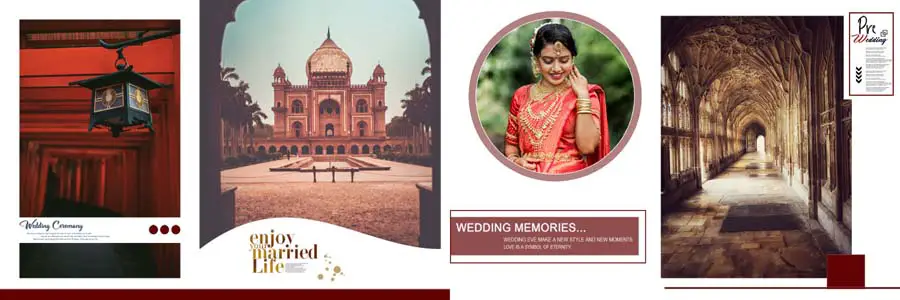
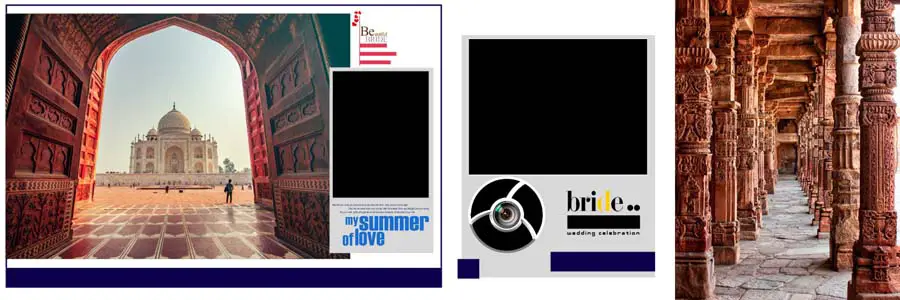
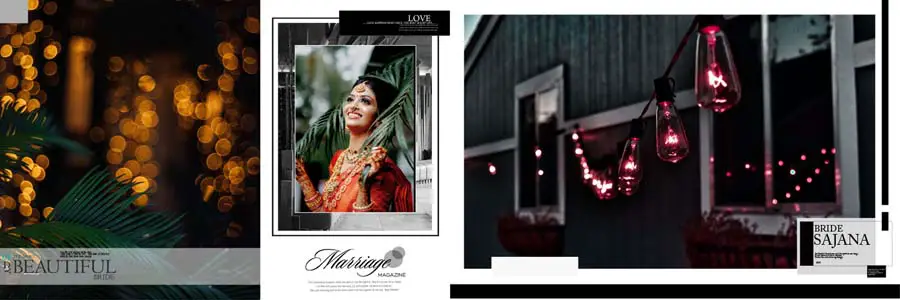
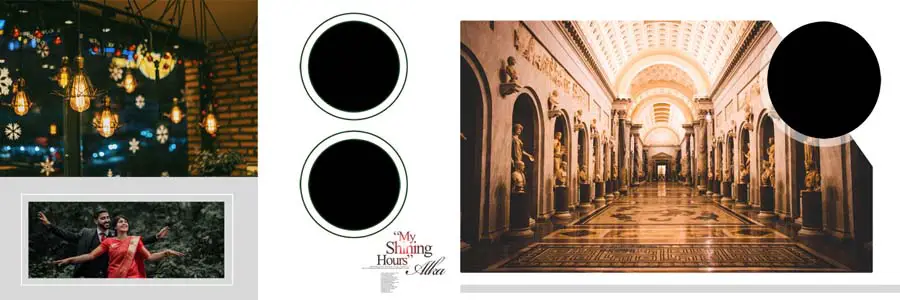
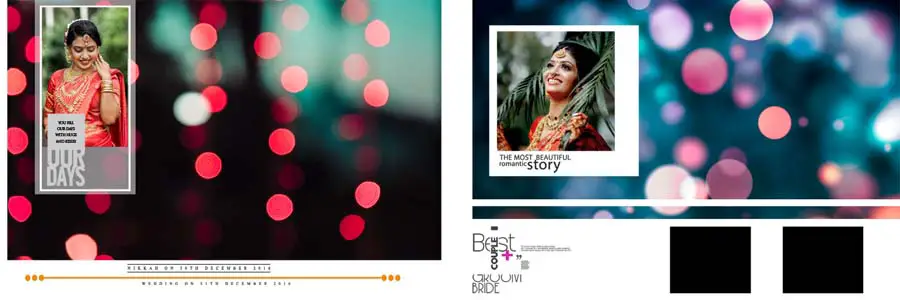
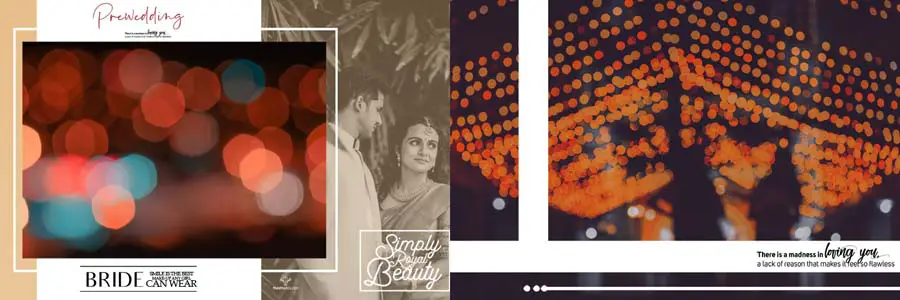
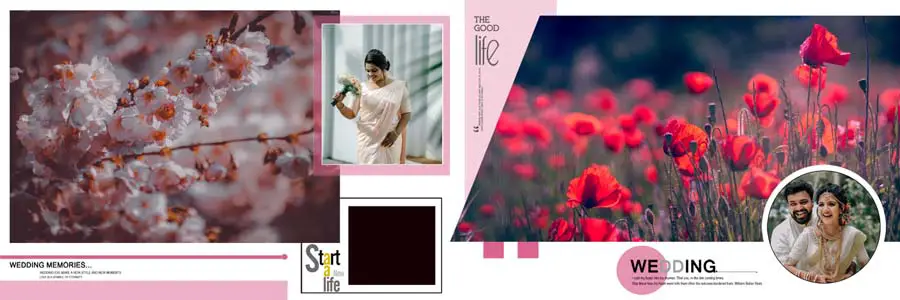
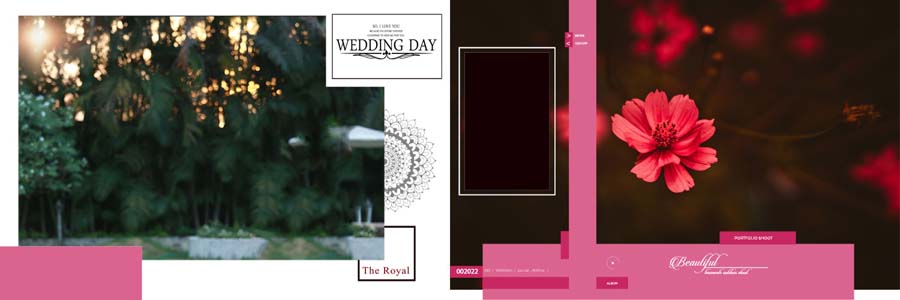
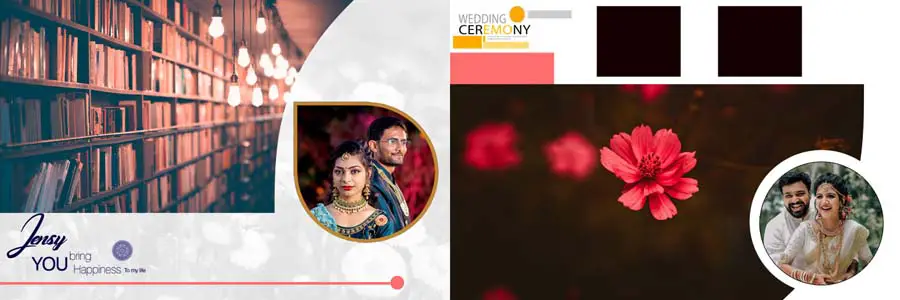
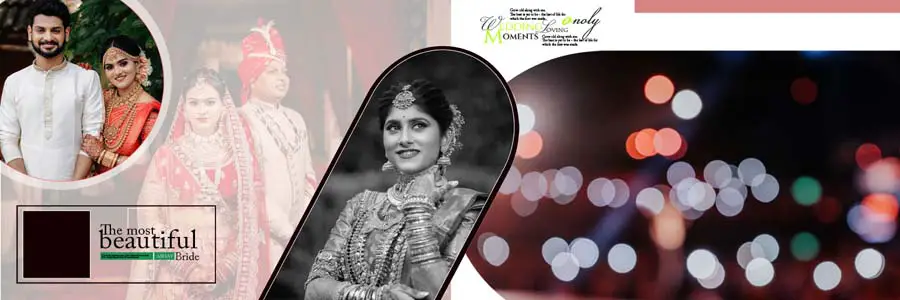
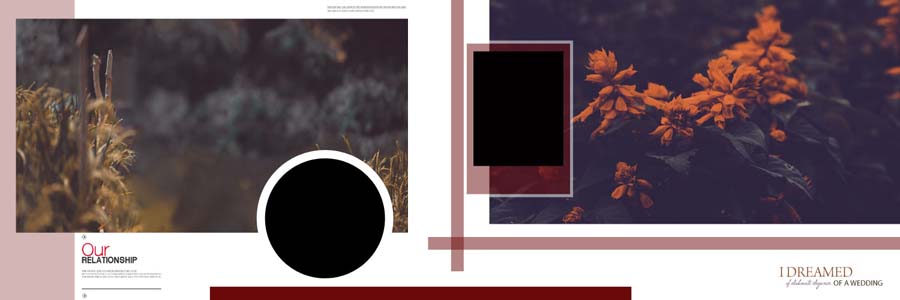
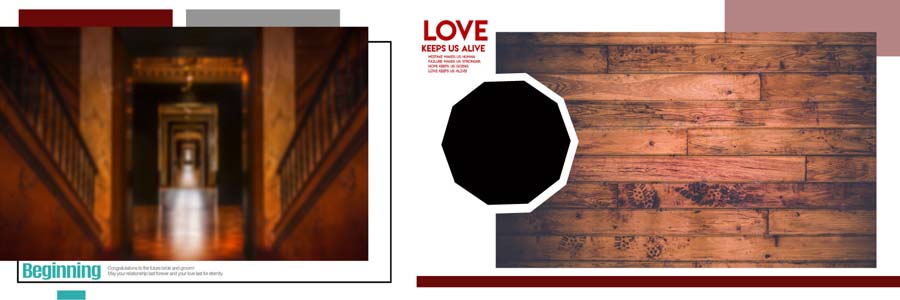
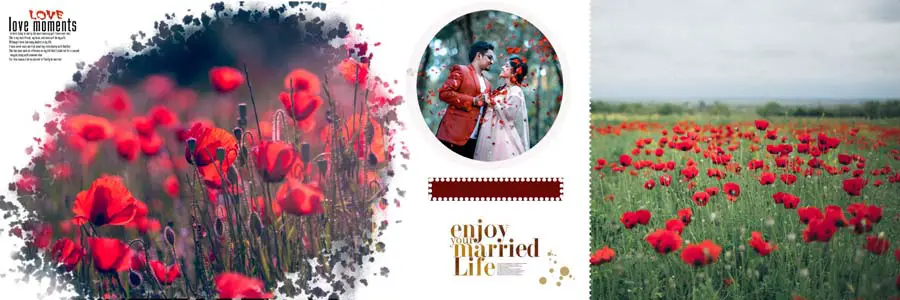
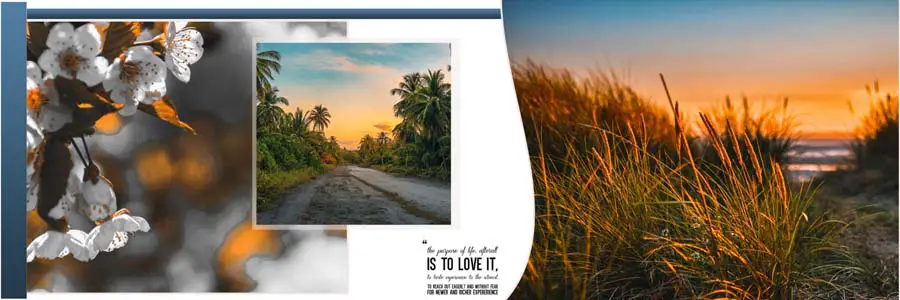
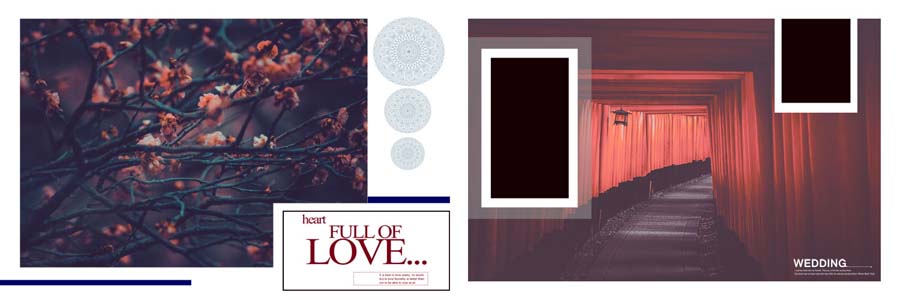
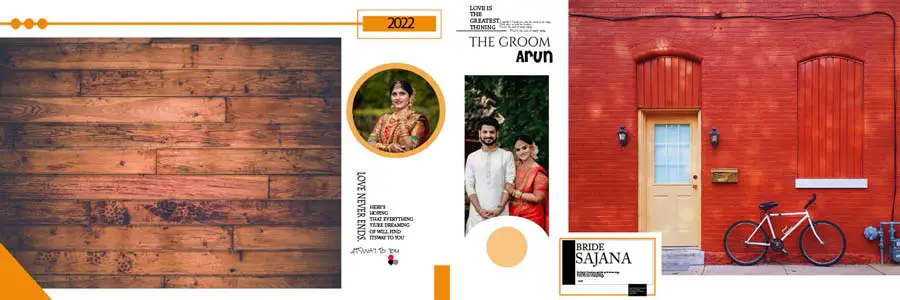
Here is a preview of 30 high-quality PSD templates suitable for receptions, pre-weddings, and couple portraits. Each template is fully editable, and you can customize it easily in Photoshop.
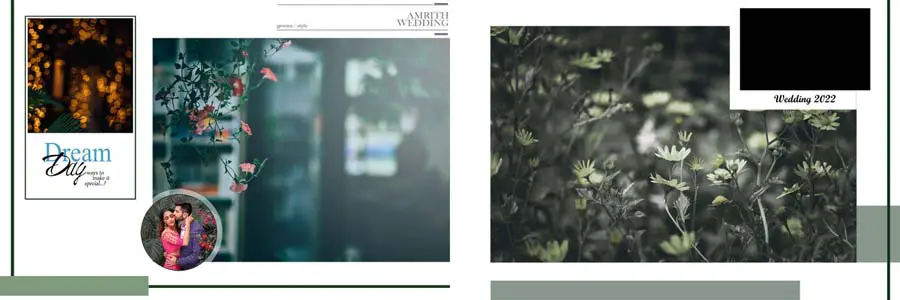









How to Customize Wedding Album PSD Templates
These templates are easy to use for both beginners and professionals. Follow these simple steps to create a customized wedding album:
- Download and extract the PSD files
- Open the PSD file in Adobe Photoshop
- Replace images and text layers with your client’s photos
- Adjust colors and effects to match the theme
- Save the final album for print or digital use
You can also mix and match these templates with birthday album PSD designs or wedding album backgrounds for a unique look.
Tips for Stunning Wedding Albums
- Use high-resolution images for the best print quality
- Keep design theme and colors consistent throughout the album
- Ensure text is clean and readable
- Avoid overcrowding and maintain proper spacing
- Use creative layouts and frames for a professional look
Conclusion
These 30 Best Wedding Album PSD 12×36 Templates Free Download are perfect for free download. Use them in your creative projects and easily create professional wedding albums for your clients. Explore more free and premium PSD albums to enhance your design portfolio.