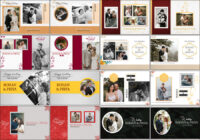
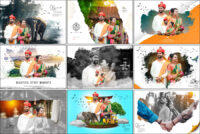
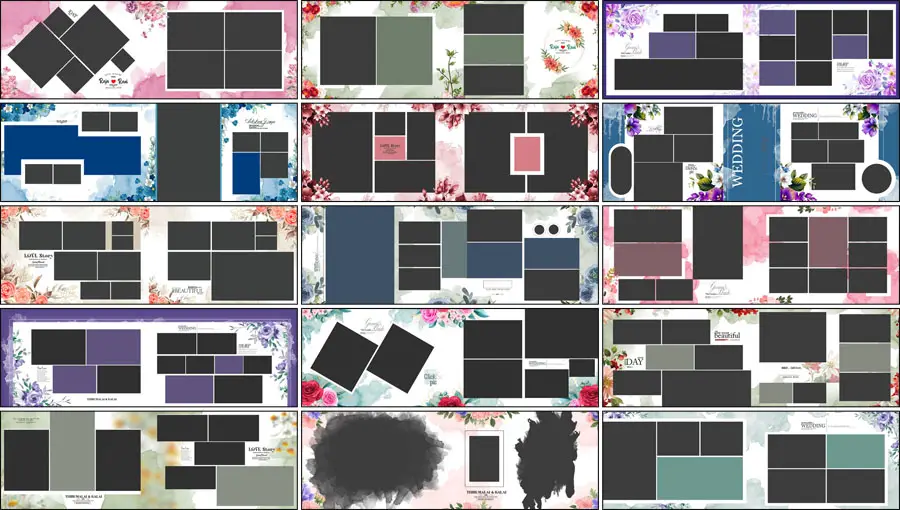
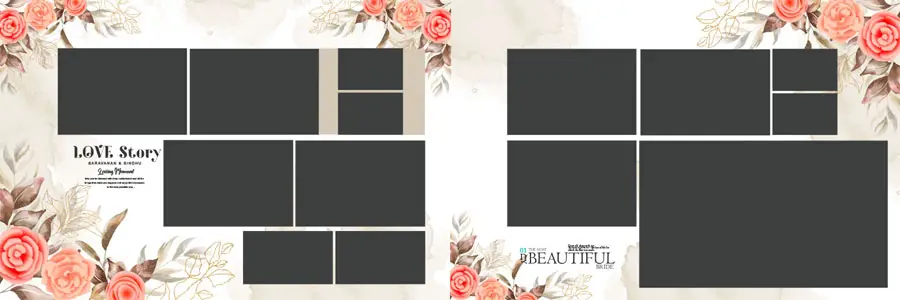
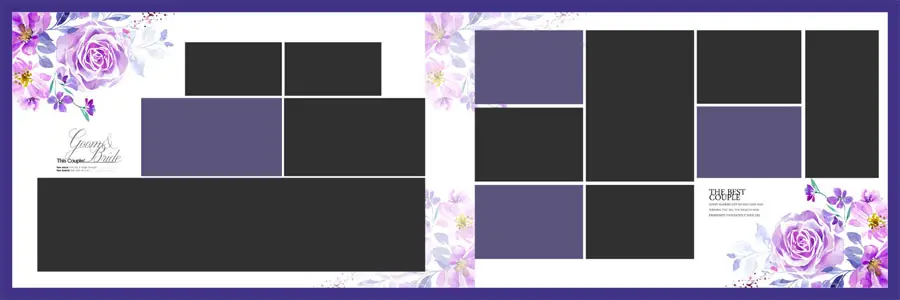
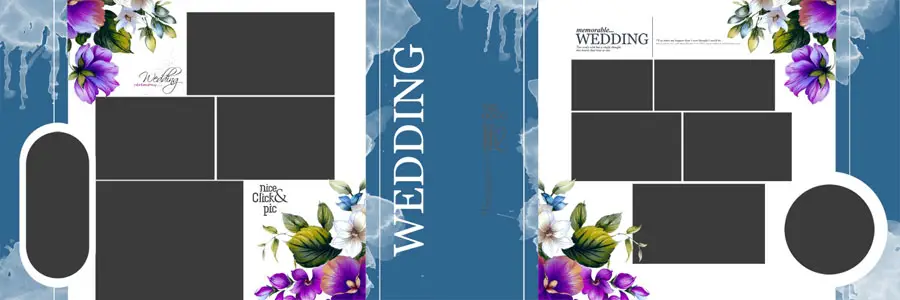
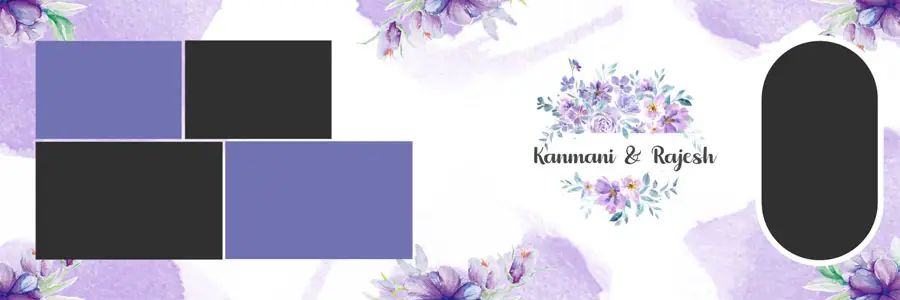
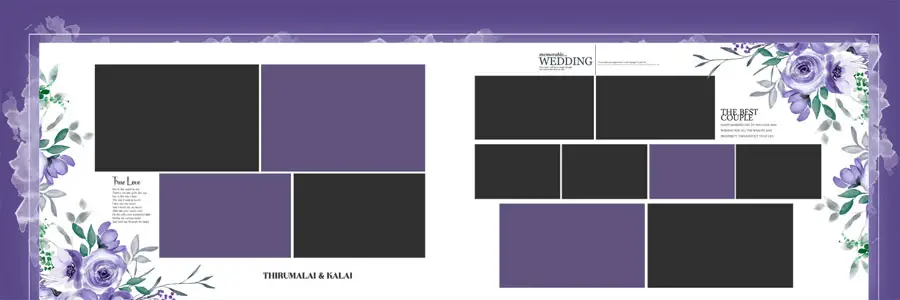
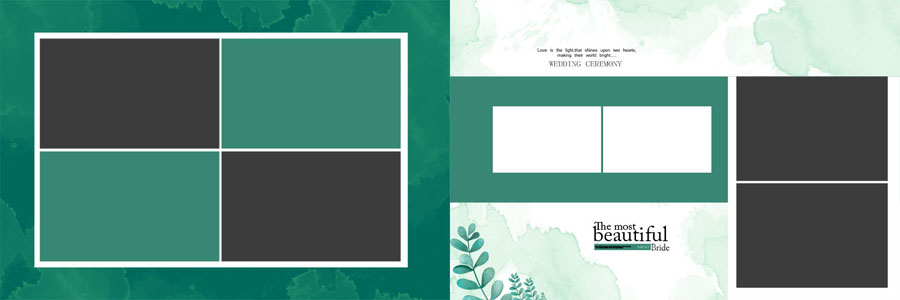
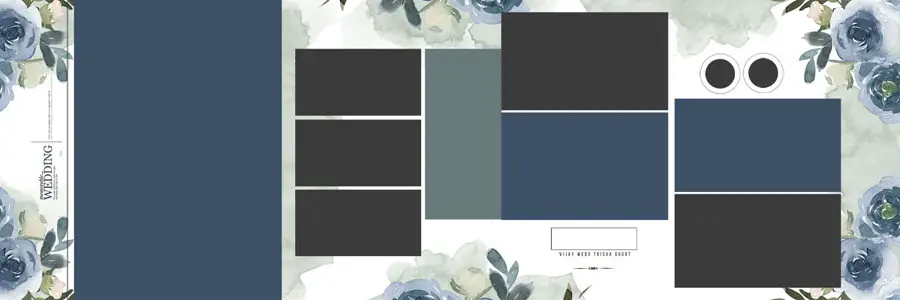
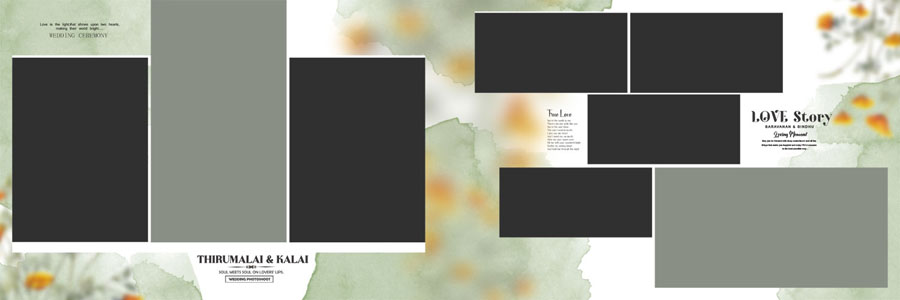
If you are searching for high-quality 25 Floral Wedding Album Design 12×36 PSD Templates 2026 that are print-ready and fully editable in Photoshop, this curated pack of 25 floral sheets will help you create stunning albums for your clients. These 12×36 wedding album PSD designs are crafted at 300 DPI and can be purchased at an affordable price. After purchase, you can easily customize them in Adobe Photoshop to match your client’s unique needs.
What makes these Floral Wedding Album Designs popular in 2026?
Floral themes blend timeless elegance with modern color palettes. Clients favor soft floral borders, delicate overlays, and clean typography that highlight couple portraits. These templates are crafted to work for both traditional wedding albums and contemporary pre-wedding spreads. They are optimized for print labs and fast Photoshop editing workflows. For more premium options and matching styles, check our premium PSD design templates.
Key Features of the 25 Floral Wedding Album PSD Templates
Each template pack includes features that buyers search for and studios need:
- Size: 12×36 inches — standard for many photo-album printers
- Resolution: 300 DPI (print-ready)
- File format: PSD with smart objects for one-click image replacement
- Layered design: editable frames, shadows, and color overlays
- Included extras: floral brushes, PNG overlays, and JPG previews
- Perfect for couple portraits, close-ups, and full-spread layouts
Preview of 25 Floral Wedding Album Designs

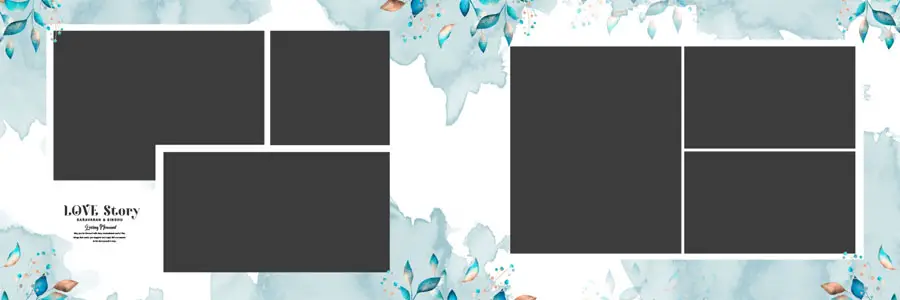
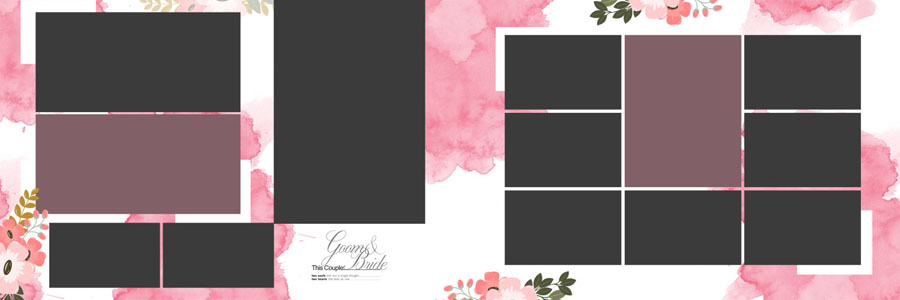
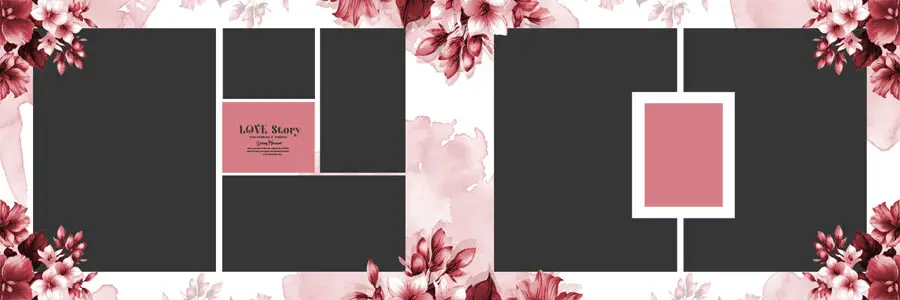
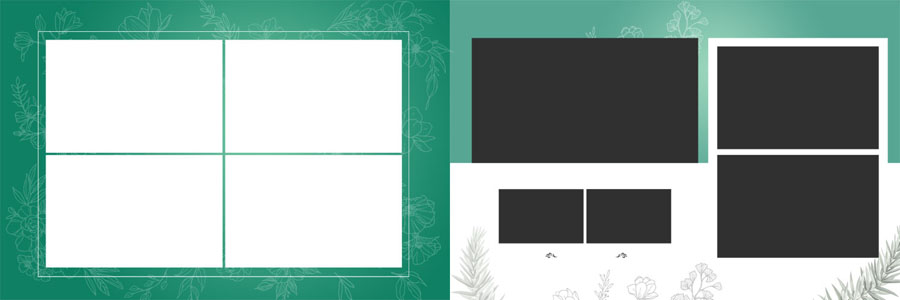
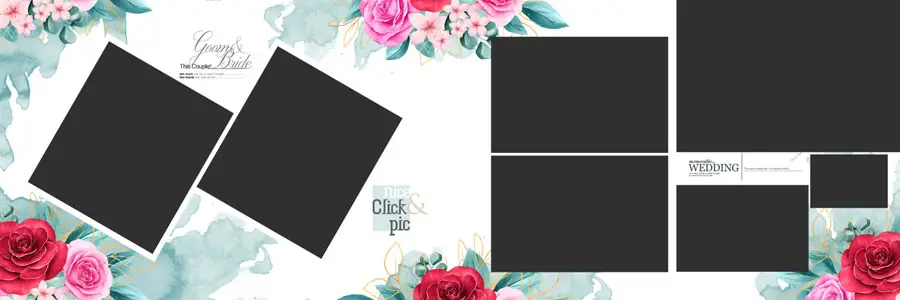

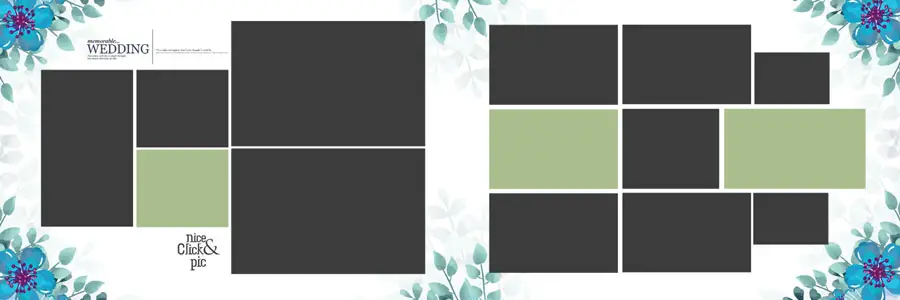


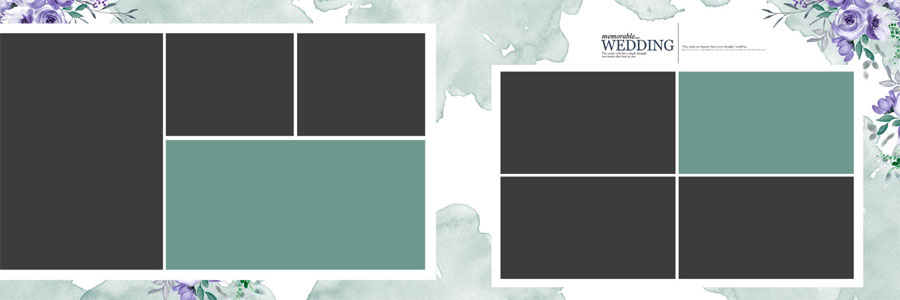


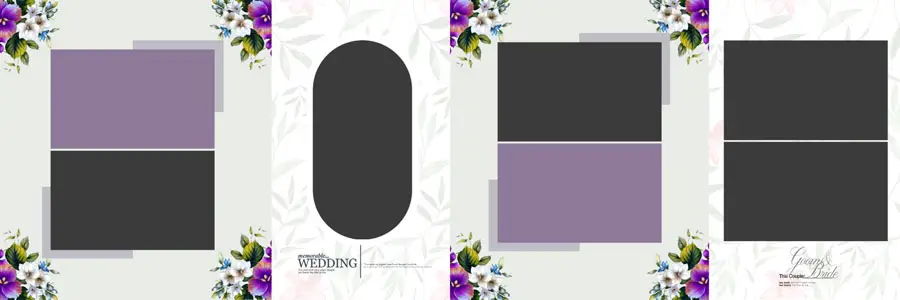
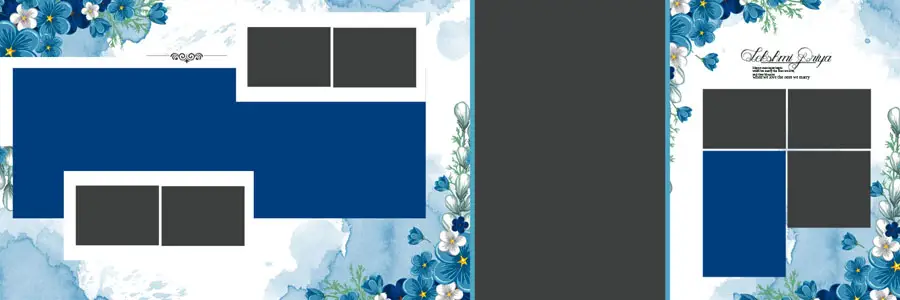

Why choose 12×36 Floral Album PSD for your clients?
12×36 is a preferred spread size for many studios because it offers a wide canvas for dramatic compositions. Floral frames create soft edges that draw attention to faces and important moments. These PSD templates are optimized for print labs and are easy to resize for digital proofs.
How to Customize These PSD Templates in Photoshop (Step-by-Step)
Follow these simple steps to edit and deliver albums fast:
- Open the PSD in Photoshop CC or higher.
- Locate the Smart Object layers named “Photo Here” or similar.
- Double-click the smart object, paste or place your client photo, save and close the smart object to update the main PSD.
- Adjust colors using Hue/Saturation or Color Balance adjustment layers.
- Edit floral overlays or move frames by unlocking the layer and using the Move tool.
- Use guides to ensure a safe print area and bleed (typically 3–5 mm depending on your print lab).
- Export final spreads as high-quality JPEGs (maximum quality) or TIFF for print shops.
Download & Delivery (Important Notes)
You will get 25 PSD files with JPG previews. Because large files can trigger Google Drive bandwidth limits, we recommend offering a direct download ZIP hosted on a reliable CDN or using multiple mirrors. For more premium options and product delivery tips, check latest floral wedding album PSD.
Related Designs You May Like
Explore matching covers and backgrounds to create complete album packages:
Tips to Increase Sales & Click-Through
- Use clear preview JPGs and label each with descriptive ALT text (done above) for image search traffic.
- Offer a small free sample PSD or JPG preview to build trust and email subscribers.
- Create a landing page with a limited-time discount and a clear CTA to boost conversions.
- Include usage notes so buyers know the file is editable in Photoshop and print-ready at 300 DPI.
Conclusion
These 25 Floral Wedding Album Design 12×36 PSD Templates 2026 are a ready-to-sell product for wedding studios and designers. High-resolution, smart-object PSDs save editing time and help you deliver professional albums that clients love. Explore related designs and use the download links above to add this pack to your shop.