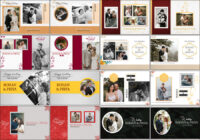
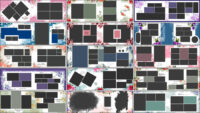
If you are searching for beautiful, print-ready layouts for pregnancy and maternity photo sessions, 15 Maternity Album Design PSD Templates 12×36 give you a fast, reliable starting point. These 12×36 templates are sized for wide panoramic spreads that show the glow, emotion, and story of pregnancy in an elegant way. Designed for photographers and album designers, each PSD file includes layered elements, smart objects, and thoughtfully arranged photo frames so you can swap images and text in minutes. Using ready-made 12×36 templates speeds up your workflow and helps you deliver consistent, high-quality albums to clients. If you already use 12×36 wedding album PSD templates, you will find these maternity designs familiar and fast to adapt.
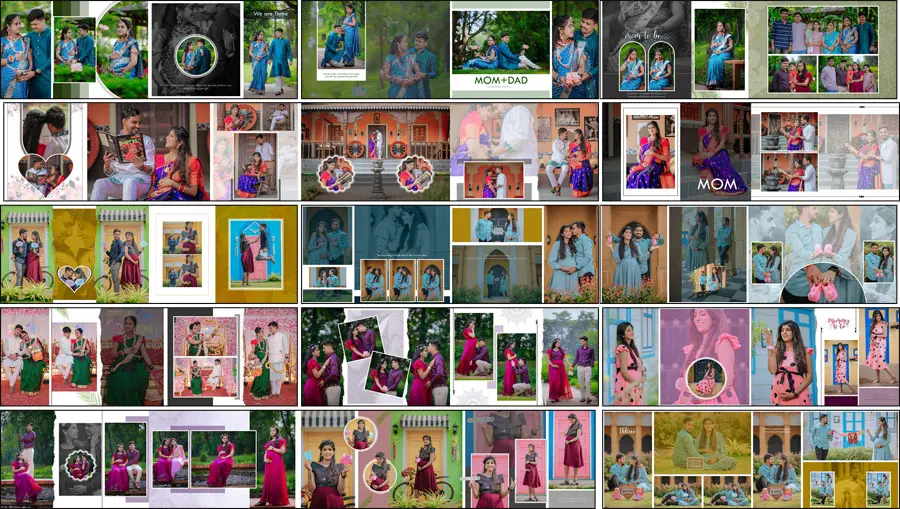
All templates in this pack are created with print in mind and are easy to customize in Adobe Photoshop. Whether you need soft pastel backgrounds for a gentle maternity look or bold, modern layouts for editorial-style shoots, these PSDs provide flexible options. For quick integration into larger album projects, these templates pair well with existing 12×36 album collections — a practical choice when you want to maintain visual continuity across a bride, baby shower, or family album.
What makes 15 Maternity Album Design PSD Templates 12×36 special?
These maternity templates focus on storytelling and clean presentation. The 12×36 spread gives ample room for a full-length portrait, a sequence of candid shots, and a soft decorative border or quote area. Templates are layered and labeled for easy editing: background layer, photo frames, accent shapes, and text blocks. That structure makes them ideal for photographers who want to produce consistent albums without rebuilding layouts from scratch. Many studios use these templates as a baseline and then personalize color tones and typography to match each client’s style.
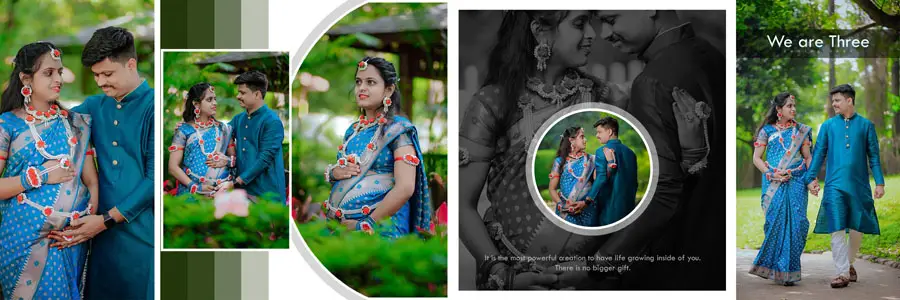
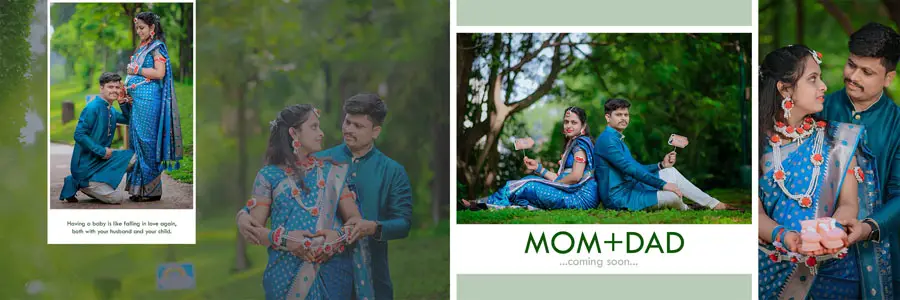
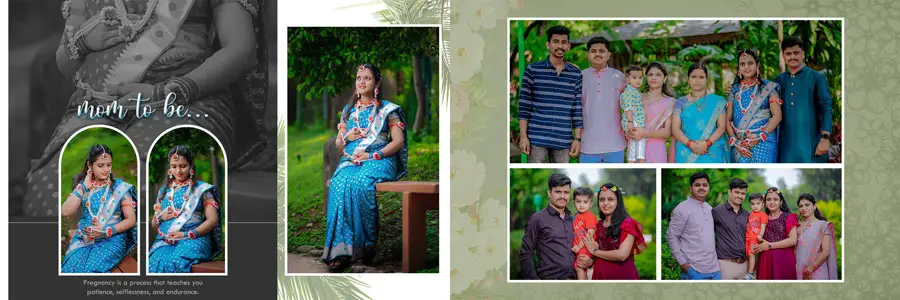
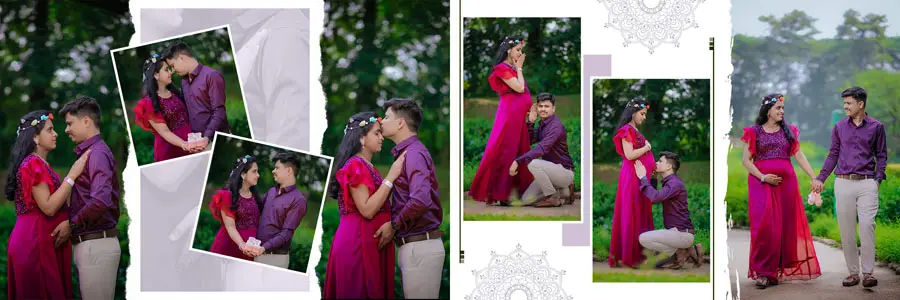
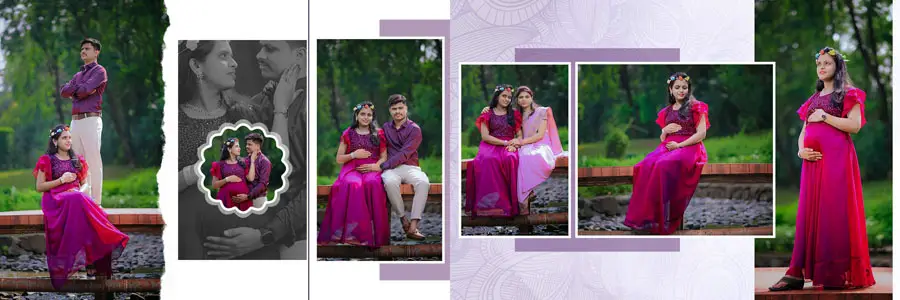
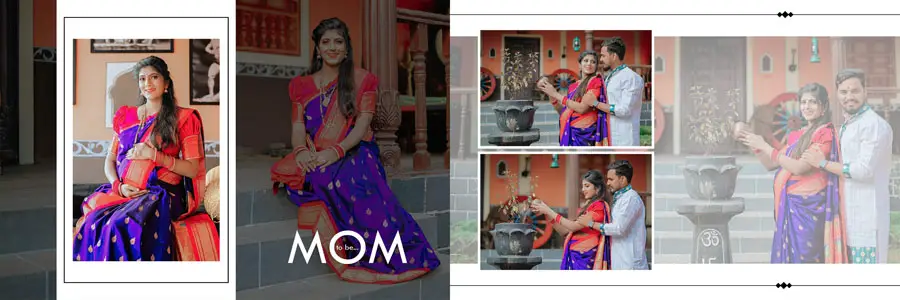


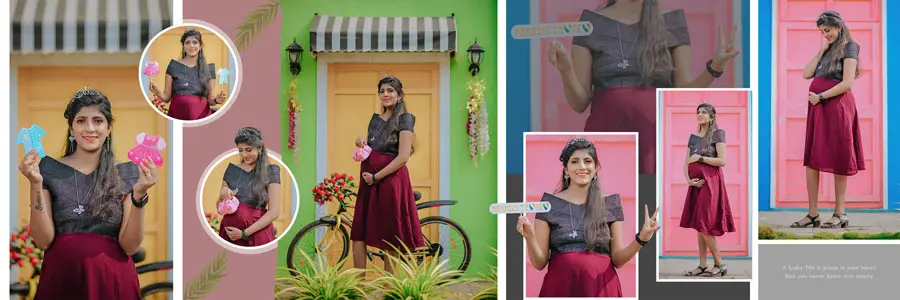
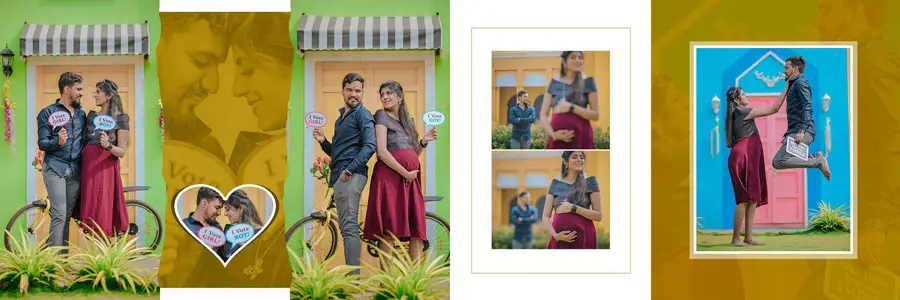
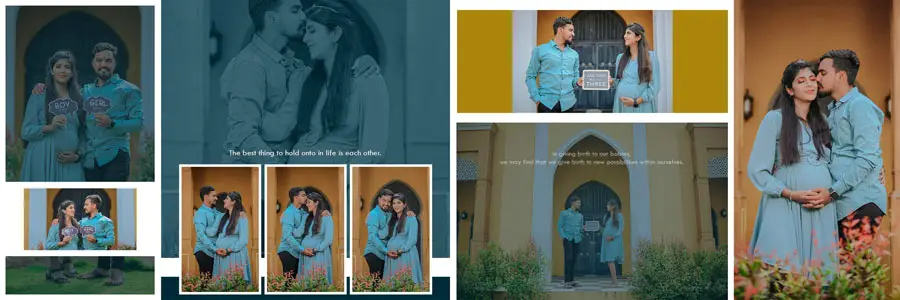
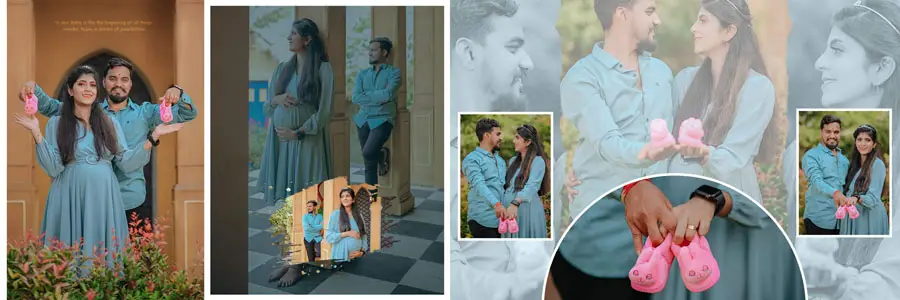
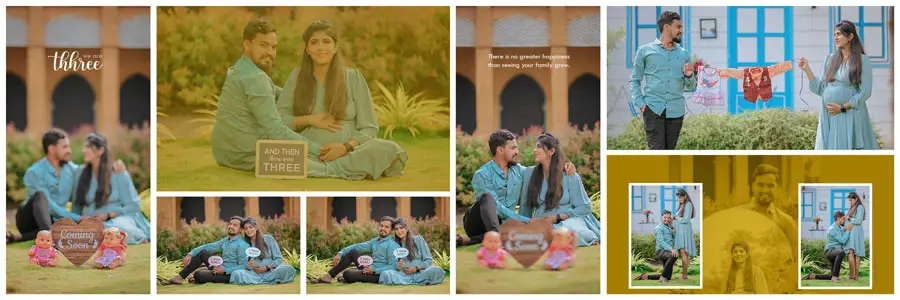
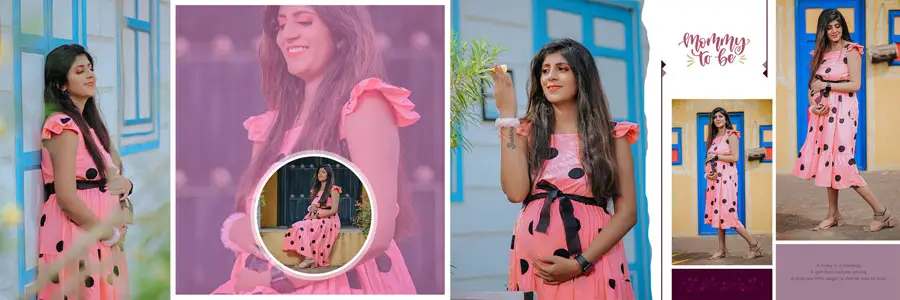
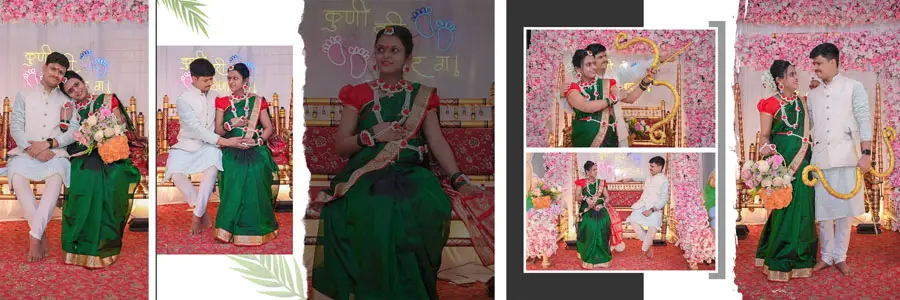
Designers who want matching cover art or wider album systems can combine these inner maternity pages with coordinating cover designs. For example, pairing inner spreads with professional wedding album cover PSD designs or custom covers helps present the maternity story as a premium keepsake. If you prefer to experiment first, there are also helpful free resources and mockups available at free PSD design collections to test colors, masks, and photo placements before finalizing the album.
How to Customize 15 Maternity Album Design PSD Templates 12×36
Follow these practical steps to customize the templates quickly and professionally:
- Open the PSD and review layer names so you understand the layout structure.
- Replace placeholder photos using smart objects to keep image quality intact.
- Edit text blocks to add names, due date, or a short message using readable fonts.
- Adjust background color or texture to match the session mood (soft pastels, warm neutrals, or high-contrast black and white).
- Use adjustment layers (curves, tones) to create consistent color grading across all photos.
- Add subtle overlays or dust/textures for a film-like, organic feel if desired.
- Export a print-ready PDF at 300 DPI and keep a layered PSD copy for future edits.
Practical uses and benefits of maternity album PSD templates
Maternity album templates are versatile. They suit studio portrait sessions, documentary-style home visits, or styled editorial shoots. Because they are PSD-based, you can adapt each layout for web portfolio previews, client galleries, or print albums without losing design fidelity. Many studios use these templates to speed delivery and offer several layout packages to clients — standard, premium, and deluxe — each with different page counts and styling options.
These templates are also a useful learning tool for junior designers. By studying organized layers and grouped effects, new designers learn professional layout habits faster. If you want to expand the collection later, look for more 12×36 page templates (inner spreads and cover files) and combine them to create larger, fully themed albums.
- Quick client proofs: assemble a 6–8 page proof to show in 24–48 hours.
- Premium album packages: offer a matching cover + 12×36 inner pages bundle.
- Portfolio showcase: create web-ready mockups of maternity sessions.
- Gift albums: design smaller keepsakes from the master files for family.
- Social templates: export formatted frames for Instagram or Facebook previews.
- Studio presets: save color grading and masks as actions for faster editing.
- Training resources: Use the PSDs to teach layout and layer discipline to assistants.
Conclusion
15 Maternity Album Design PSD Templates 12×36 are a practical, design-first solution for photographers and album makers who want to honor pregnancy stories with beautiful, print-ready spreads. These templates reduce design time, ensure consistent presentation, and make it easy to deliver a polished product to clients. The 12×36 format is particularly effective for showcasing full-body portraits, belly-session sequences, and gentle lifestyle images that highlight the emotional arc of maternity.
To start, open one template, swap in your best images, and experiment with background tones and typography. If you need coordinating covers or extended album systems, pair these inner pages with your favorite cover PSDs or test mockups using free PSD resources first. These simple steps will help you create a memorable maternity album that clients will cherish and recommend.